
The 2026 camera lineups
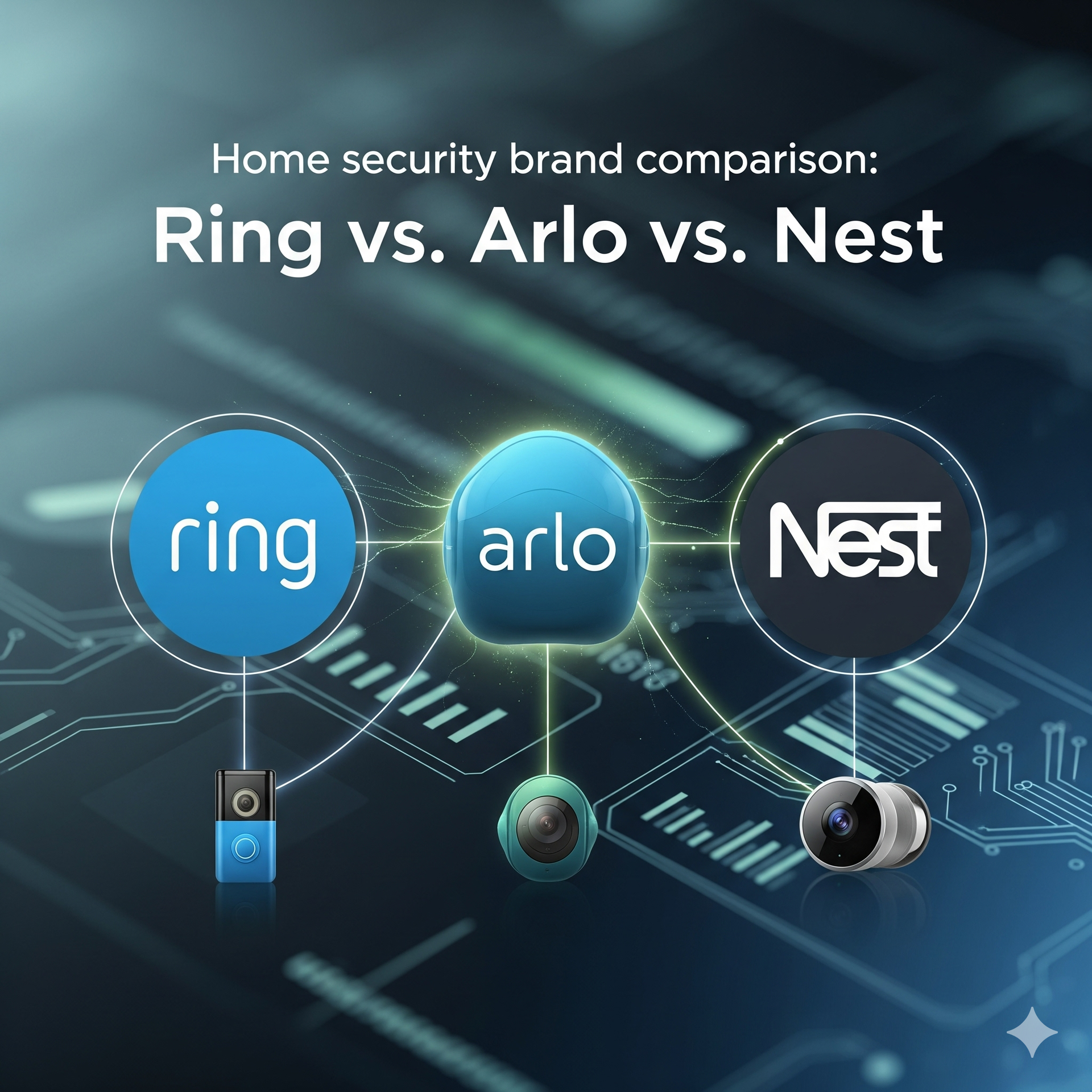
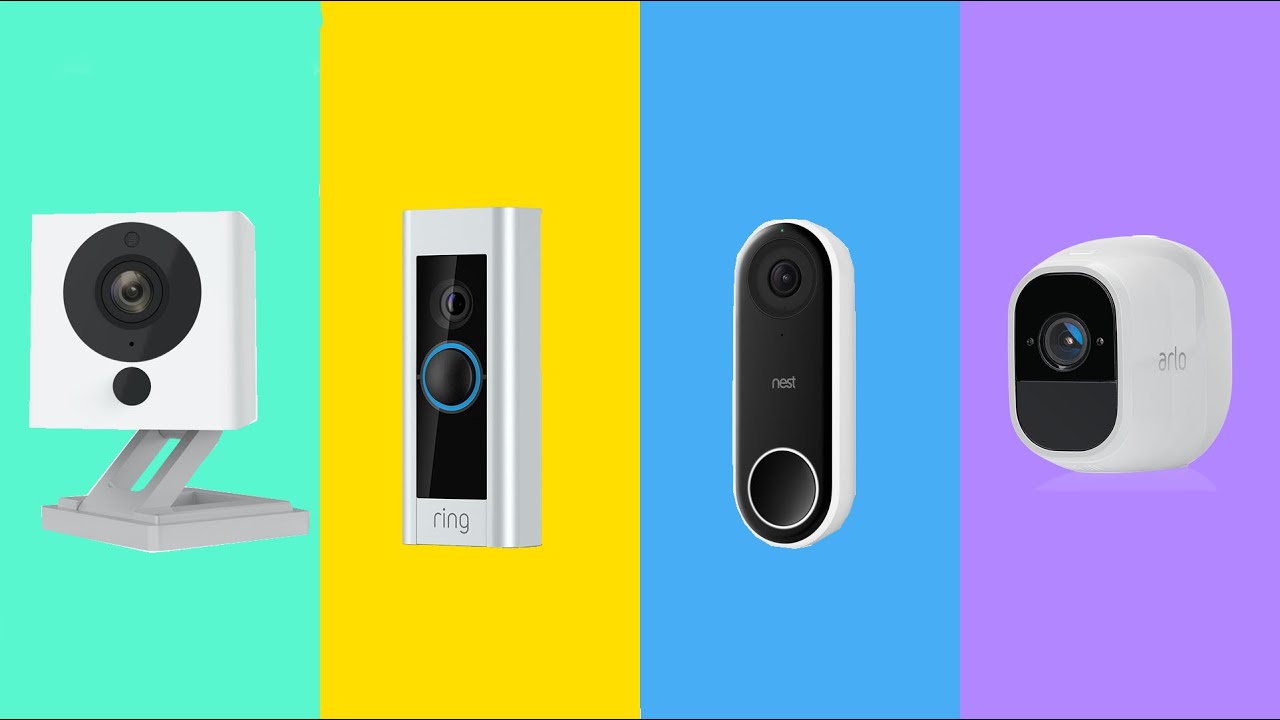
By late 2026, Ring is still the go-to for cheap security. They've moved far beyond the original doorbell, selling a massive range of indoor and outdoor gear like the Stick Up Cam and Spotlight Cam Plus. I find their stuff works best if you're already using Alexa, though the hardware rarely pushes any technical boundaries.
Arlo, on the other hand, positions itself as the premium choice. Their 2026 lineup centers around the Arlo Pro 5 and Arlo Ultra 2S, both offering excellent video quality and advanced features like object recognition. They’ve really pushed into wireless, battery-powered solutions, aiming for flexibility and easy installation. Arlo has historically been more expensive, and that continues to be true, but they've reduced some subscription costs to be more competitive.
Google Nest’s camera offerings are fairly streamlined. The Nest Cam (battery) and the Nest Doorbell (battery) are their flagship products, emphasizing intelligent alerts and seamless integration with the Google Home ecosystem. They’ve shifted away from the Nest Secure alarm system, focusing instead on cameras as the core of their home security offerings. Google’s cameras are known for their clean design and strong software features, though sometimes at the expense of customization.
A recent trend across all three brands is a move toward more modular systems. Ring now offers interchangeable battery packs, Arlo allows for swapping lenses on some models, and Google is experimenting with magnetic mounting systems. This suggests a desire to extend product lifecycles and allow users to upgrade components rather than replacing entire cameras.
Video quality and smart features
Video resolution is largely a wash at the high end. Ring’s premium offerings now reach 2K, while Arlo and Nest both consistently deliver 2K and 4K options. However, raw resolution isn’t everything. Arlo generally wins on dynamic range thanks to its HDR capabilities, resulting in clearer footage in challenging lighting conditions. The Arlo Ultra 2S, in particular, excels here. Ring’s footage tends to be a bit washed out in bright sunlight, and Nest falls somewhere in between.
Field of view is another important factor. Most cameras offer around 160-180 degrees, but Arlo often edges out the competition with slightly wider lenses. Night vision is improving across the board, with color night vision becoming more common. Nest’s night vision is particularly strong, leveraging its Google AI to enhance clarity in low-light situations. The quality of night vision is heavily reliant on ambient light, though.
Where the differences really become apparent is in intelligent detection. All three brands offer person, package, and animal detection, but their accuracy varies significantly. Arlo has historically struggled with false positives, but they’ve made improvements in their algorithms. Currently, Nest’s detection is the most reliable, followed by Ring, and then Arlo. However, even Nest isn’t perfect; I've seen instances of misidentified shadows as people.
Activity zones are a standard feature, allowing you to focus recording on specific areas of your property. Ring’s activity zones are fairly basic, while Arlo and Nest offer more granular control. Arlo also offers advanced object recognition – identifying things like cars and delivery trucks – but the effectiveness of this feature is still somewhat hit-or-miss. It’s a nice idea, but not always reliable enough to depend on. The accuracy of these detections is something to watch as AI improves.
- Ring: 1080p to 2K resolution, 160-degree field of view, color night vision on select models
- Arlo: 2K to 4K resolution, 180-degree field of view, and HDR that actually handles shadows well
- Nest: 1080p to 4K resolution, 160-degree field of view, superior night vision, reliable person detection
Ring vs. Arlo vs. Google Nest Security Cameras 2026: Feature Comparison
| Feature | Ring | Arlo | Google Nest |
|---|---|---|---|
| Resolution | Generally 1080p-2K, some models now offer 4K. Image quality is generally good, but can be affected by compression. | Offers a wide range of resolutions from 1080p to 4K. Often provides sharper images than Ring, particularly in well-lit conditions. | Primarily 1080p and 2K, with some 4K options. Image quality is consistently high, with good color accuracy. |
| Night Vision | Color night vision available on select models, otherwise standard infrared. Range is adequate for typical residential use. | Excellent night vision, with color night vision on many models. Often performs better in low-light conditions than Ring. | Good night vision, with clear black and white imagery. Some models offer improved low-light performance. |
| Person Detection Accuracy | Generally reliable, but prone to occasional false positives, especially with moving shadows or animals. | Highly accurate person detection, with advanced algorithms to minimize false alerts. Fewer false positives reported than Ring. | Very good accuracy, though can sometimes misidentify objects at a distance. Integrates well with Google Home routines. |
| Field of View | Varies by model, typically between 130-160 degrees. Wide enough for most applications, but some competitors offer wider views. | Offers a range of field of view options, from 130 to 180 degrees. Wider options available for larger areas. | Typically around 130-160 degrees. Adjustable settings allow for some customization of the viewing area. |
| HDR | Available on newer, higher-end models. Improves image quality in high-contrast lighting situations. | HDR is standard on many Arlo cameras, resulting in balanced exposure and detail in both bright and dark areas. | HDR is available on select models, providing improved dynamic range and detail. |
Illustrative comparison based on the article research brief. Verify current pricing, limits, and product details in the official docs before relying on it.
Subscriptions and storage costs
Subscription costs are a major consideration. Ring Protect starts at around $3 per month per camera for 30 days of recording history. Their Protect Plus plan adds extended warranty and professional monitoring, but at a higher price. Arlo Secure starts at $5 per month per camera, offering 30 days of cloud storage and advanced object recognition. Arlo also offers tiered plans that support more cameras and longer recording durations.
Google Nest Aware is the priciest of the bunch. It starts at $6 a month for 30 days of events. If you want 24/7 continuous recording, you have to jump to the Nest Aware Plus tier, which also bumps you to 60 days of history. I think the annual discounts are the only way to make these prices stomachable.
Local storage is a limited option. Ring offers a local recording feature with the Ring Alarm Pro base station, but it requires a separate purchase. Arlo allows local storage on a USB drive for some models, but it’s not as seamless as cloud storage. Google Nest does not offer local storage options at all. You're locked into their cloud ecosystem.
The value proposition varies. If you only have a few cameras and don’t need extended recording history, Ring Protect is the most affordable option. If you want advanced features and are willing to pay a premium, Arlo Secure is a good choice. If you’re heavily invested in the Google ecosystem, Nest Aware is the most convenient, but also the priciest.
- Ring Protect: $3/month per camera (30-day history)
- Arlo Secure: $5/month per camera (30-day history, object recognition)
- Google Nest Aware: $6/month (30-day event history)
Featured Products

Weather-resistant design for outdoor use · Live View with Color Night Vision · Two-Way Talk and motion alerts
This camera offers a budget-friendly entry point into the Ring ecosystem with essential features for monitoring your property.

2K video resolution · Motion-only detection · Includes three cameras
This bundle provides a cost-effective way to expand your Arlo security coverage with multiple cameras at a competitive price.

Suitable for indoor or outdoor use · Battery-powered for flexible placement · Comes as a 2-count pack
This pack offers a convenient way to deploy Google's latest Nest Cam technology in multiple locations around your home.

Includes Ring Alarm 14-piece kit · Comes with two Ring Outdoor Cam Plus (Battery) · Comprehensive home security system starter
This bundle provides a robust starting point for a complete home security setup, combining an alarm system with outdoor cameras.

1080p video resolution · Color Night Vision and 2-Way Audio · Wire-free design, direct to WiFi (no hub needed)
This 3-pack of essential Arlo cameras offers a versatile and easy-to-install wireless security solution for comprehensive monitoring.
As an Amazon Associate I earn from qualifying purchases. Prices may vary.
Smart home ecosystems and lock-in
Integration with other smart home devices is a key differentiator. Ring cameras work seamlessly with Amazon Alexa, allowing you to view live feeds on Echo Show devices and receive notifications through voice commands. However, integration with Google Assistant and Apple HomeKit is limited. You can view Ring feeds on Google Nest Hubs, but the functionality is basic.
Arlo offers broader compatibility, working with Amazon Alexa, Google Assistant, and Apple HomeKit. This makes it a more versatile choice if you have a mixed smart home setup. However, some features, like advanced object recognition, may require an Arlo Smart subscription. They’ve also been actively working on Matter support, which should improve interoperability in the future.
Nest cameras are, unsurprisingly, best integrated with the Google Home ecosystem. You can view feeds on Google Nest Hubs, receive notifications on your phone, and create routines that trigger based on camera events. Integration with Amazon Alexa and Apple HomeKit is less robust. This strong integration is a benefit if you’re already a Google user, but a drawback if you prefer other platforms.
Ecosystem lock-in is a real concern. Choosing a camera from one brand can make it harder to switch to another later on. Consider your existing smart home devices and your future plans before making a decision. Privacy is also a factor. Relying on a single ecosystem means trusting that company with your data.
- Ring: Best with Amazon Alexa
- Arlo: Good compatibility with Alexa, Google Assistant, and HomeKit
- Nest: Best with Google Home
Setup and daily use
Installation is generally straightforward with all three brands. Wireless cameras are the easiest to set up, requiring only a few screws and a Wi-Fi connection. Wired cameras require more effort, as you’ll need to run cables and potentially hire an electrician. Ring offers professional installation services for an additional fee. Arlo and Nest also partner with third-party installers.
The mobile app interface is where the user experience can make or break a security camera. Ring’s app is clean and intuitive, but can feel cluttered with features. Arlo’s app is more polished and user-friendly, but some settings are buried in menus. Nest’s app is the simplest of the three, but lacks customization options.
I found Arlo's app to be the most responsive and easiest to navigate, especially when adjusting settings or reviewing past events. Ring’s app occasionally felt sluggish, and Nest’s app can be frustratingly limited. The ease of use is important, especially for less tech-savvy users. A complicated app can discourage people from using their security system effectively.
All three brands offer helpful online resources and customer support. Ring’s support is often criticized for long wait times, while Arlo and Nest generally provide faster and more helpful assistance. Professional installation services can alleviate the burden of setup for those who aren’t comfortable doing it themselves.
Privacy and data security
Privacy is a growing concern with security cameras. Ring has faced criticism over its data-sharing practices with law enforcement. They’ve since implemented stricter policies, but concerns remain. Arlo and Nest also collect user data, but their policies are generally considered more privacy-friendly. It’s important to read the privacy policies carefully before choosing a camera.
All three brands use data encryption to protect your footage. However, the level of encryption varies. Nest offers end-to-end encryption for some features, which means that only you and the person you’re sharing with can access the footage. Ring and Arlo do not offer end-to-end encryption for all features.
Two-factor authentication is available on all three platforms, adding an extra layer of security to your account. It’s crucial to enable this feature. Regularly updating the camera’s firmware is also essential to patch security vulnerabilities. All three companies have had security breaches in the past, highlighting the importance of proactive security measures.
Facial recognition technology is a controversial feature. While it can be useful for identifying familiar faces, it also raises privacy concerns. All three brands offer facial recognition, but allow you to disable it if you’re uncomfortable with it. Consider the ethical implications before enabling this feature.
- Ring: Data-sharing concerns, stricter policies implemented
- Arlo: Generally privacy-friendly policies
- Nest: End-to-end encryption for some features
Standout Models & Unique Features
The Arlo Ultra 2S is a standout for its exceptional video quality and advanced features. Its 4K HDR recording, wide field of view, and intelligent object recognition make it a top performer. The ability to swap lenses adds to its versatility. It’s expensive, but you get what you pay for.
The Ring Always Home Cam is a unique offering – an autonomous indoor patrolling camera. It flies a predetermined path around your home, providing a dynamic view of your interior. It’s a bold concept, but raises privacy concerns for some. It’s also relatively expensive and requires a Ring Protect Pro subscription.
The Nest Cam (battery) is a great all-around option. Its sleek design, intelligent alerts, and seamless integration with the Google Home ecosystem make it a popular choice. The free 3-hour event video history is a nice bonus, although longer storage requires a subscription. It’s a reliable and easy-to-use camera that delivers excellent performance.
These models represent the best of what each brand has to offer. They showcase the innovative features and advanced technology that are driving the security camera market forward.
No comments yet. Be the first to share your thoughts!