
Home Security on a Dime
Home security costs are rising, but you don't need a pricey, professionally installed system with a long-term contract to protect your home. Many effective, affordable options exist, and we're focusing on systems you can get running for under $200.
Many 'budget' security systems lack features or reliability. We're highlighting systems that offer real security without breaking the bank. We'll be realistic about what you get for your money and point out any shortcomings.
A $200 system won't match top-tier providers like ADT, but a well-chosen one can deter burglars, alert you to emergencies, and provide peace of mind. It's about maximizing protection within your budget and being proactive about your home's safety.
The $200 Limit: What You Get
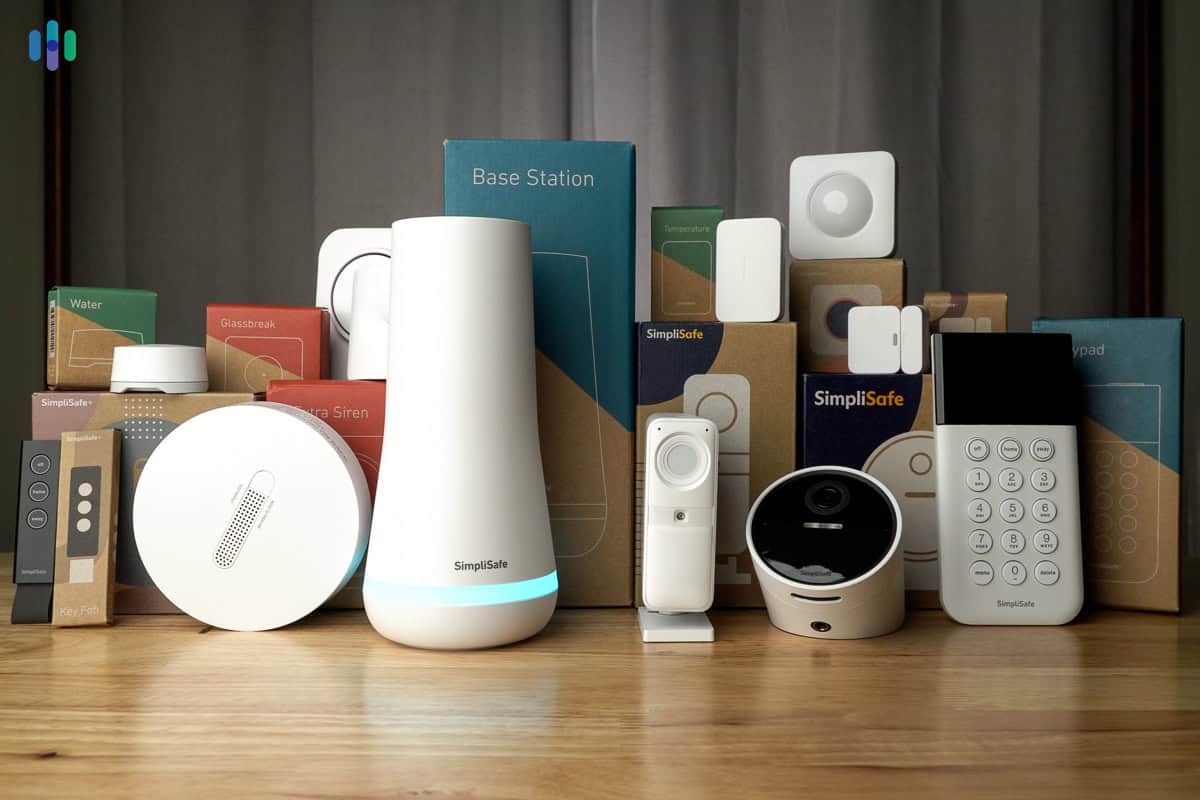
For $200, a home security system typically includes a basic starter kit: a few entry sensors, a motion detector, and a base station. Most systems at this price rely on self-monitoring, meaning you contact emergency services yourself. Professional monitoring is often an add-on, increasing monthly costs.
Expect trade-offs. Lower-priced systems often have limited smart home integration, fewer camera options, and less robust customer support. Contract length is also a factor, with many companies offering month-to-month plans while others require a commitment. Equipment quality varies, so reading reviews is essential. Inflation has pushed component costs up, so finding a comprehensive system under $200 requires careful shopping.
A $200 system isn't a replacement for a comprehensive, professionally installed setup, but it's a significant step up from having no security. DIY installation keeps costs down by saving on professional fees, which can add $100-$200. Most systems are designed for user-friendly setup, but you should be comfortable with basic installation.
Our Top 7 Systems (2026)
Based on price, features, and user reviews, here are seven budget home security systems worth considering. Prices are approximate and can vary depending on promotions and retailer.
Ring Alarm 5-Piece Kit (2nd Gen): Priced around $199, Ring offers a well-rounded system with optional professional monitoring. It integrates seamlessly with Ring doorbells and cameras, providing a cohesive security ecosystem. Pros: Easy setup, reliable performance, excellent app. Cons: Professional monitoring can be expensive, requires a Ring Protect subscription for video recording. Best for: Amazon ecosystem users.
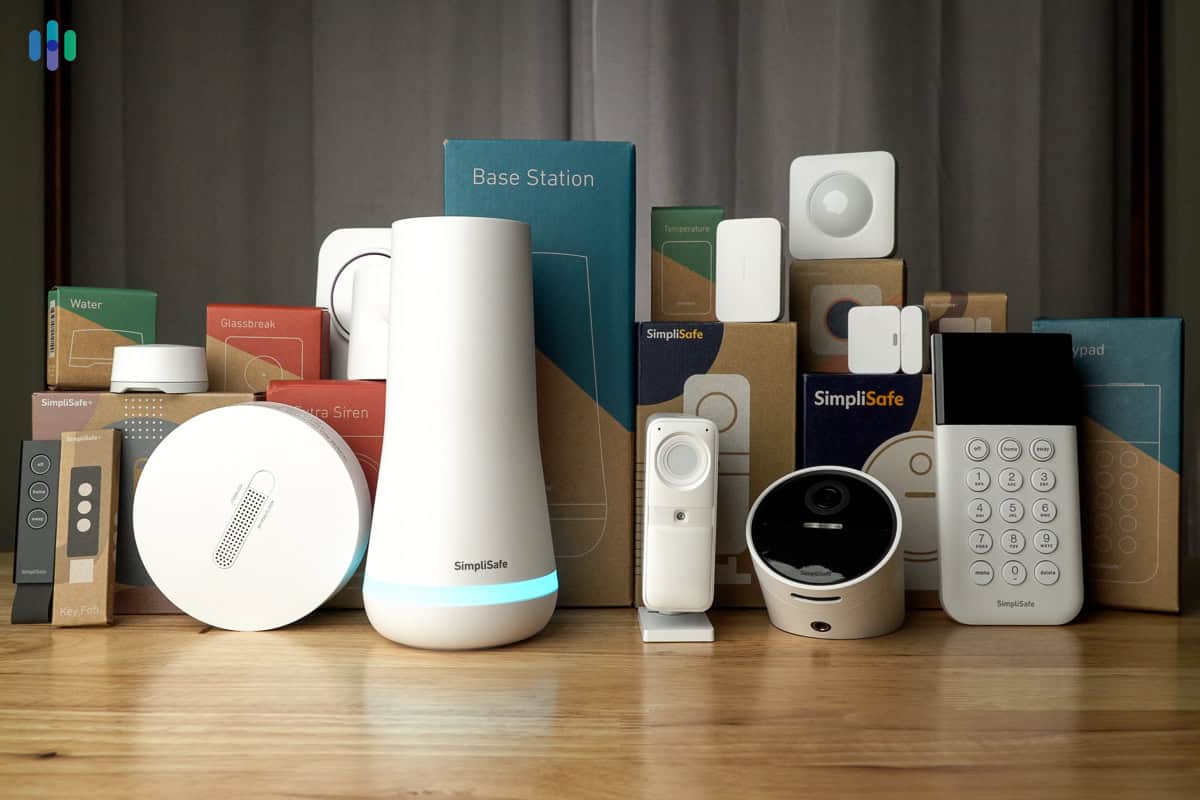
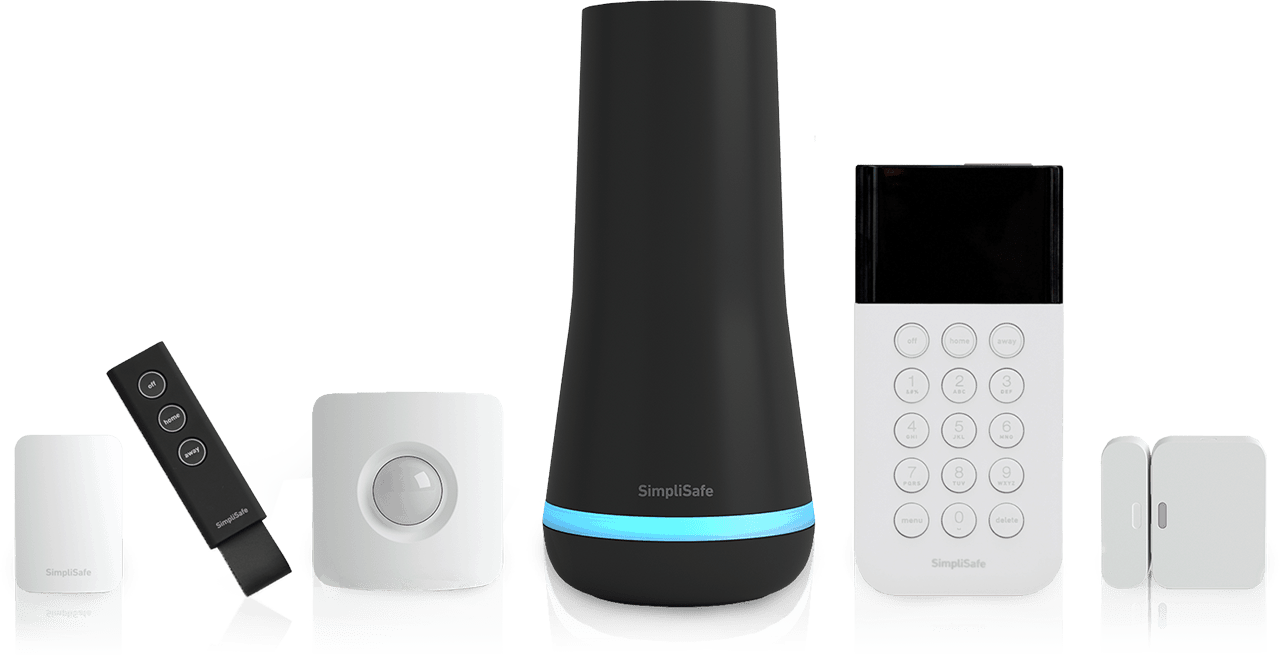
SimpliSafe Foundation Pack: Typically around $189, SimpliSafe is known for its simplicity and affordability. It offers a range of sensors and monitoring options, including cellular backup. Pros: No contract, easy to expand, good customer service. Cons: Basic features, limited smart home integration. Best for: First-time home security buyers.
Wyze Home Security Core Starter Bundle: At approximately $129, Wyze is the most affordable option on this list. It includes a base station, entry sensors, and a motion detector. Pros: Extremely affordable, good camera integration, DIY friendly. Cons: Reliant on Wi-Fi, limited professional monitoring options. Best for: Renters or those on a very tight budget.
Abode Essentials Starter Kit: Around $179, Abode offers a more flexible system with optional professional monitoring and smart home integration. Pros: Customizable, works with various smart home platforms, no long-term contracts. Cons: Can be more complex to set up than other systems, more expensive add-ons. Best for: Tech-savvy users who want a customizable system.
Scout DIY Home Security System: This system generally costs around $199 for a starter kit. Scout focuses on simplicity and ease of use. Pros: Easy to install and use, month-to-month contracts, good customer support. Cons: Limited sensor options, fewer smart home integrations. Best for: Those who want a straightforward, no-fuss system.
Kangaroo Home Security Kit: Currently around $99 (often with promotions), Kangaroo is a very basic, budget-friendly option. Pros: Incredibly affordable, easy to install. Cons: Limited features, relies heavily on smartphone integration, questionable reliability according to some user reviews. Best for: Extremely limited budgets, temporary security needs.
Ooma Home Security Starter Pack: Typically priced around $149, Ooma leverages your existing internet connection for security. Pros: Affordable, integrates with Ooma’s phone service, no contract. Cons: Limited range of sensors, requires a stable internet connection. Best for: Existing Ooma users.
Featured Products

9-piece wireless security system with HD camera · Optional 24/7 professional monitoring available · No contract required
While slightly above the $200 mark, this system offers comprehensive features and flexibility for those willing to invest a bit more for advanced capabilities and brand reputation.

8-piece security system kit · Optional 24/7 professional monitoring · Suitable for home or business use
This kit provides a strong foundation for home security with the option for professional monitoring, fitting perfectly within the budget for essential protection.

Includes hub, keypad, motion sensor, and two entry sensors · Compatible with other Wyze sensors and cameras · Includes 3 months of 24/7 professional monitoring service
This is an exceptionally affordable entry point into home security, offering core components and a trial of professional monitoring for a minimal initial investment.
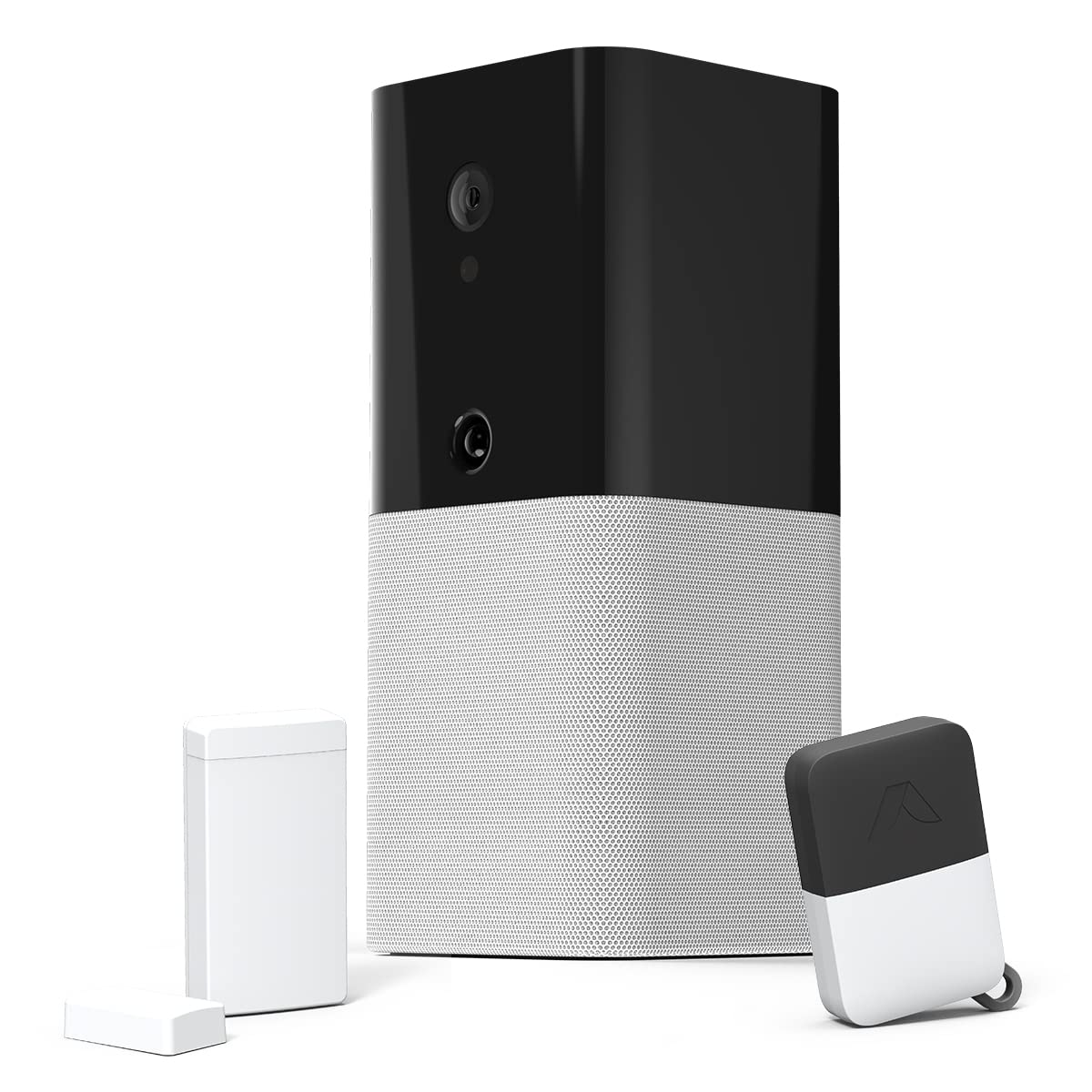
Smart home security system with hub, keypad, and sensors · Supports Z-Wave and Zigbee devices · Optional professional monitoring plans
The Abode Essentials Starter Kit offers a versatile and expandable system that integrates with various smart home ecosystems, providing robust security features at a competitive price.

Door and window sensor designed for Ooma Smart Home Security · No contracts and a free self-monitor plan · Optional professional monitoring and additional sensor types available
This individual sensor is a highly budget-friendly add-on for existing Ooma users or a starting point for a very basic, self-monitored setup, demonstrating extreme affordability for specific needs.
As an Amazon Associate I earn from qualifying purchases. Prices may vary.
Digging Deeper: SimpliSafe vs. Ring
SimpliSafe and Ring are top budget home security systems, but they suit different needs. SimpliSafe excels in simplicity and affordability, offering a straightforward, no-frills experience. It's a good choice for those wanting a reliable system without many extra features.
Ring, on the other hand, is deeply integrated with the Amazon ecosystem. If you already use Ring doorbells or cameras, adding the Ring Alarm system is a natural fit. Ring offers more advanced features, such as video verification and integration with Alexa. However, this comes at a cost – professional monitoring can be more expensive than SimpliSafe's.
The app experience is also a key differentiator. SimpliSafe's app is clean and easy to navigate, while Ring's app is more feature-rich but can be overwhelming for some users. Ring’s recent updates have improved the app, but cellular backup is an additional cost, where SimpliSafe includes it in some plans. Both systems have seen updates in 2026, but SimpliSafe remains the easier option for those new to home security.
Hidden Costs to Watch For
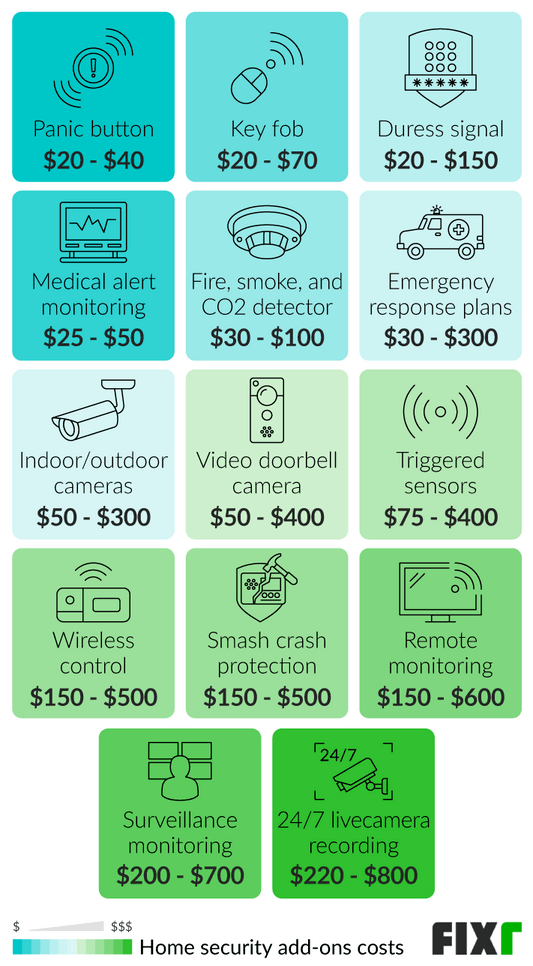
The initial equipment price is just the beginning. Many budget systems come with ongoing costs that can add up over time. Monthly monitoring fees, even for self-monitoring plans with advanced features, are common. Cloud storage for video recordings from security cameras is almost always an additional expense.
Don't forget about replacement batteries for sensors and key fobs. These can be a recurring cost, especially if you have a large system. Some companies offer contract-free monitoring, while others require a long-term commitment. Be sure to read the fine print and understand the terms of service.
Promotional pricing is also something to be aware of. Many companies offer introductory discounts, but the price may increase significantly after the initial promotional period. Always check the long-term costs before signing up for a service.
DIY Installation: Is It Really Easy?
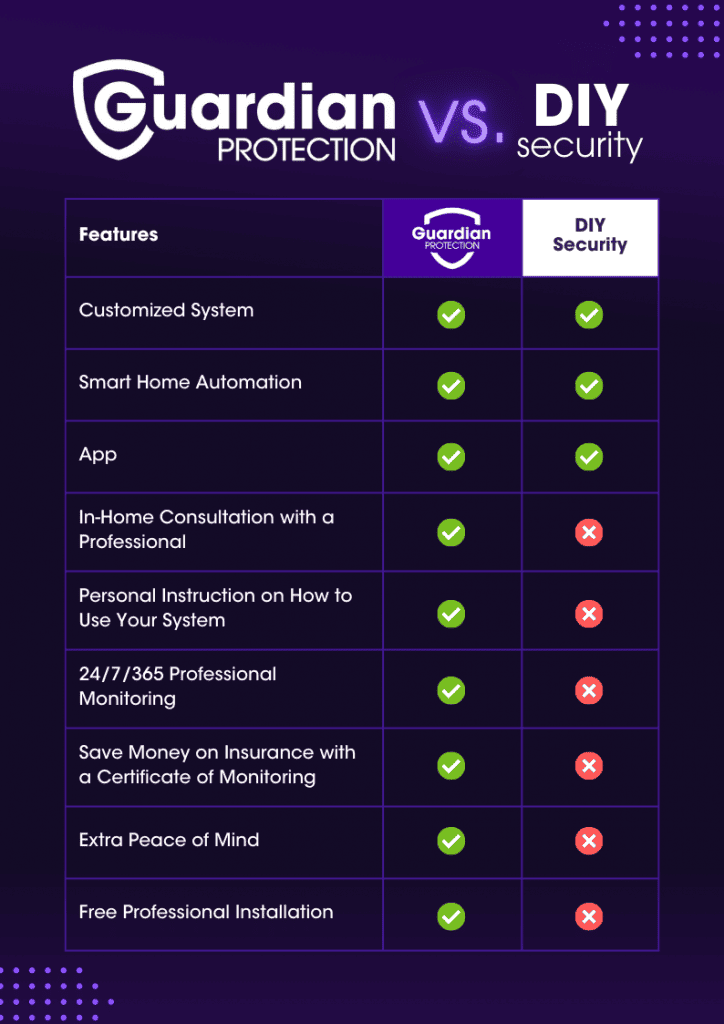
Most budget home security systems are designed for DIY installation, which is a major factor in keeping costs down. However, 'easy' is a relative term. While many systems boast simple setup processes, some require a bit more technical know-how.
You’ll typically need a smartphone, a Wi-Fi connection, and a screwdriver. Some systems may require you to drill holes for mounting sensors. The time commitment can vary from 30 minutes to a few hours, depending on the size of your system and your DIY skills. If you’re not comfortable with basic home improvement tasks, you may want to consider professional installation, but that will add to the overall cost.
There are plenty of resources available online, including YouTube videos and step-by-step guides. is a good place to start for SimpliSafe. However, it’s important to be patient and follow the instructions carefully to ensure your system is properly installed and functioning correctly.
Beyond the Basics: Enhancing Your Security
A budget home security system is a great starting point, but it’s just one piece of the puzzle. Consider supplementing your system with additional security measures, such as smart door locks, outdoor security cameras, and motion sensor lights. These can deter burglars and provide an extra layer of protection.
Participating in a neighborhood watch program is another effective way to enhance your security. Getting to know your neighbors and looking out for each other can significantly reduce the risk of crime. Remember to use strong passwords for all your online accounts and enable two-factor authentication whenever possible.
Finally, don’t underestimate the power of simple security habits. Lock your doors and windows, don’t leave valuables in plain sight, and be aware of your surroundings. A comprehensive security plan combines technology with common sense.
- Lock doors and windows.
- Install motion sensor lights.
- Use strong passwords.
- Enable two-factor authentication.
- Consider a neighborhood watch program.
No comments yet. Be the first to share your thoughts!