

Why wireless alarms need digital locks
Modern wireless alarm systems are no longer just physical break-in deterrents; they are IoT devices living on your home network. This connectivity introduces a new vulnerability class: network-based attacks. When your Alarm Systems connect to Wi-Fi, they become accessible to hackers if your digital perimeter is weak.
A compromised alarm panel can be more than a nuisance. Attackers can disable sensors, spoof entry/exit codes, or access the local network to reach other smart devices. The physical lock on your door matters less if the digital signal controlling the alarm is intercepted or spoofed.
This shift demands a change in mindset. Securing your home now requires hardening the digital layer just as rigorously as you would reinforce your entry points. Ignoring the wireless aspect leaves a backdoor open, regardless of how strong your physical locks are.
Change default passwords immediately
Factory-default credentials are the easiest entry point for attackers targeting your Alarm Systems. Manufacturers often ship panels with generic usernames like "admin" and simple passwords such as "1234" or "password." Leaving these in place is like leaving your front door unlocked. Anyone scanning your network can log in, disable sensors, or view live feeds without triggering an alarm.
You must replace every default credential on the main control panel and any associated mobile apps. This includes the installer code, which is sometimes shared across all units of the same model. If you do not know the installer code, you may need to contact your security provider or reset the panel to factory settings before setting new, unique passwords.
Create a strong, unique password for each device. Use a combination of letters, numbers, and symbols that you do not use elsewhere. Write these down in a secure location or use a password manager. Do not reuse passwords across different security devices or other online accounts.
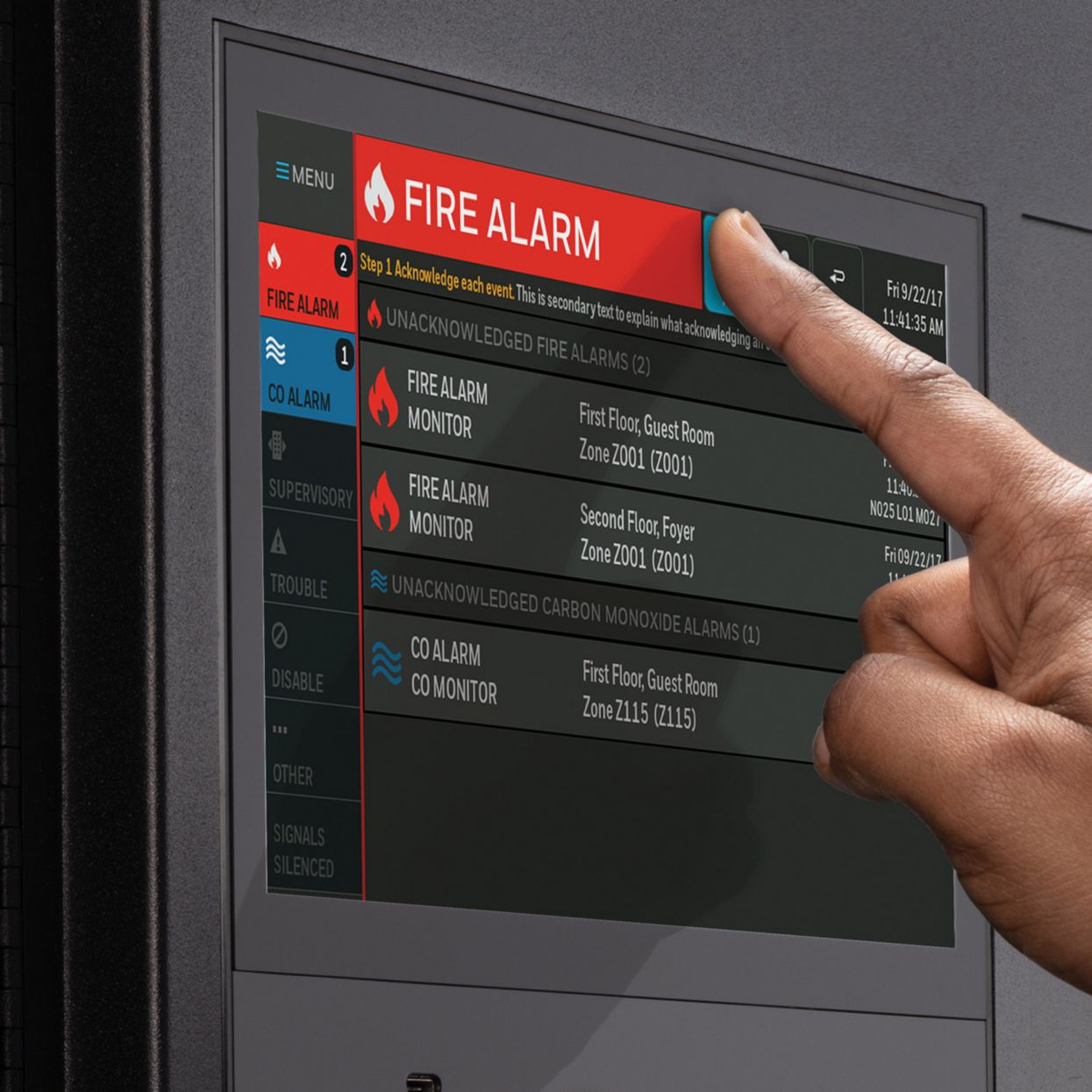
Locate the main menu on your control panel or open the companion app. Look for "Settings," "Security," or "User Codes." You will need the current admin or installer password to proceed.
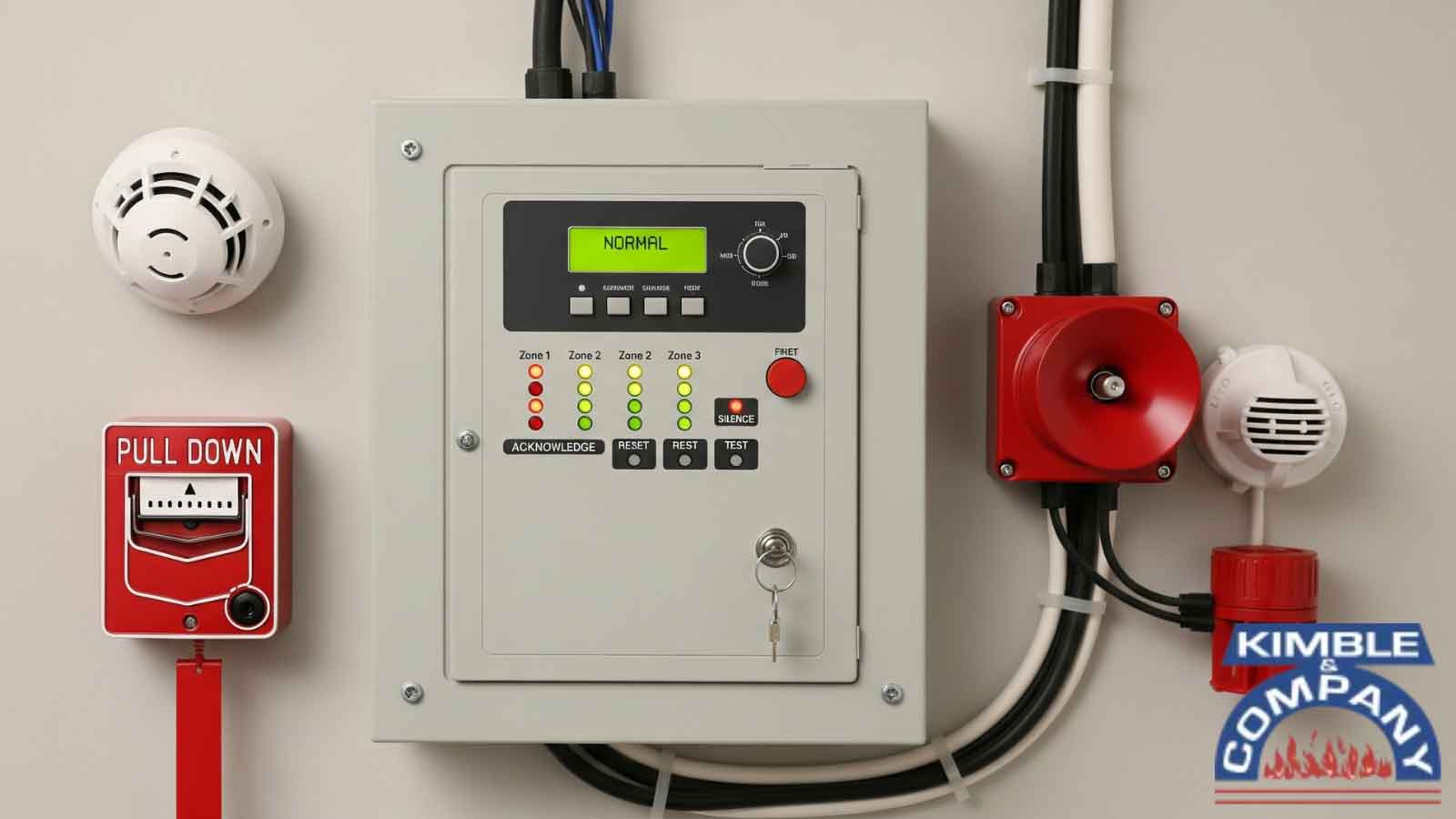
Create a password that is at least 12 characters long. Avoid dictionary words, birthdays, or sequential numbers. Use a passphrase like "BlueSky$99Coffee!" which is hard to guess but easy to remember.
Enter the new admin password in the designated field. Save the changes. Some systems may require you to re-enter it for confirmation. Ensure the system accepts the new credentials by logging out and back in.
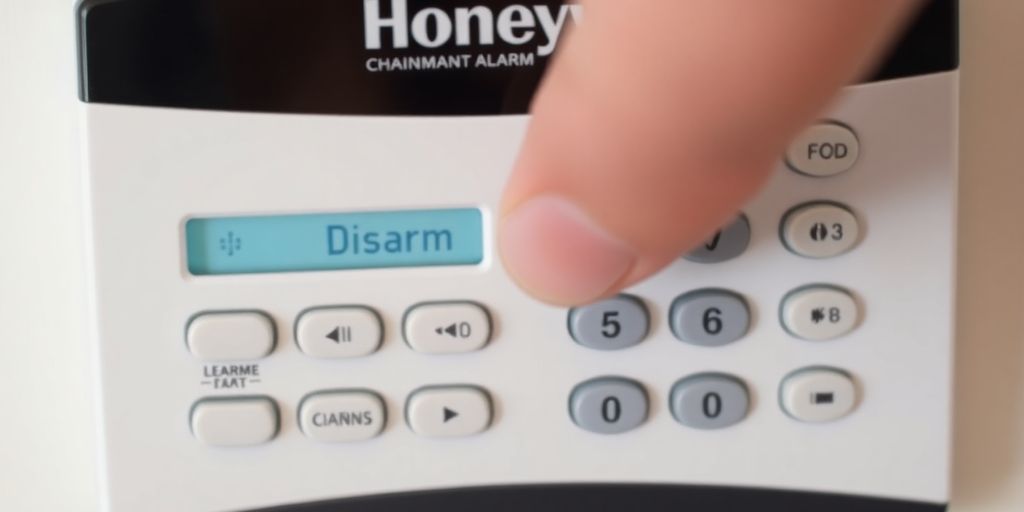
Log into your security app and update the account password. If your system allows multiple user codes, change any default codes assigned to family members or service providers. Remove any unused codes.
Test the new password by arming and disarming the system remotely. Record the new credentials in a secure password manager. Never share these details publicly or store them in unencrypted files on your computer.
Isolate alarms on a guest network
Segmenting your Alarm Systems onto a guest network is the single most effective way to stop lateral movement. When your home Wi-Fi is compromised, attackers can usually scan for other devices on the same subnet. By placing your security hardware on a separate VLAN or guest SSID, you create a digital firewall that keeps personal data and critical security alerts distinct.
1. Access your router settings
Log into your router’s admin panel using a wired connection for stability. Navigate to the Wireless or Network settings section. Look for the "Guest Network" option, which may be labeled as a separate SSID or a VLAN setting depending on your hardware. If your router supports it, enable "AP Isolation" or "Client Isolation" to prevent devices on the guest network from talking to each other.
2. Configure network isolation rules
Before enabling the guest network, ensure the isolation settings are active. This rule prevents guests (or attackers) from accessing your primary network where your phones, laptops, and smart TVs reside. Conversely, you must allow the guest network to access the internet so your alarm panels can communicate with the monitoring service. Most modern routers handle this automatically, but double-check that the "Block Guest from Accessing Local Network" box is checked.
3. Connect alarm devices to the guest SSID
Use your Alarm Systems’ companion app or the device’s physical interface to connect to the new guest Wi-Fi. You will need the guest network name and password. Once connected, verify that the system shows an online status. Most wireless alarm panels and smart sensors can maintain a stable connection on a guest network as long as internet access is permitted.
A guest network keeps your alarm offline from your personal data, even if your Wi-Fi password is shared.
4. Test the connection
Perform a full system test to ensure alerts are still reaching your phone and the monitoring center. Trigger a sensor and verify the notification arrives within seconds. If the alarm fails to connect, check that the guest network has not inadvertently blocked the specific ports or protocols your security system uses. Some older wireless systems may require additional configuration to operate on isolated networks.
5. Secure the guest network password
Choose a strong, unique password for the guest network that is different from your main Wi-Fi password. This ensures that if a guest shares the password publicly, your alarm system remains protected. Regularly update this password if you suspect unauthorized access to the guest network, though this is less critical than securing your primary network.
Update firmware and disable unused ports
Keeping your Alarm Systems secure requires more than just strong passwords; it demands regular maintenance. Firmware updates are the digital equivalent of locking your doors. They patch known vulnerabilities that hackers exploit to bypass security protocols. Without these updates, your system remains an open invitation for unauthorized access.
Start by checking your control panel’s manufacturer website for the latest software releases. Many modern systems offer automatic updates, but you should verify that this feature is active. If your Alarm Systems rely on manual updates, schedule a monthly check to ensure you aren’t running outdated code. Ignoring these patches leaves critical security holes wide open.
Next, audit the physical and digital ports on your alarm panel. Hackers often use unused USB or Ethernet ports to install malicious devices or gain direct network access. If your system has ports you don’t use for monitoring or maintenance, disable them in the settings menu. If the software doesn’t allow this, physically cover them with port blockers or tape. This simple step closes off a common entry point for intruders.
Finally, document your maintenance schedule. Set calendar reminders for firmware checks and port audits. Consistency is your best defense against evolving cyber threats. By keeping your software current and your hardware sealed, you significantly reduce the risk of your Alarm Systems being compromised.
Choose monitored systems with encryption
When shopping for new Alarm Systems, prioritize end-to-end encryption and professional monitoring as baseline security features. Unencrypted wireless signals are easy to intercept, allowing attackers to spoof disarm codes or disable sensors. Professional monitoring adds a critical layer of defense; even if a hacker blocks your local alerts, a central station can verify emergencies and dispatch help.
Look for systems that use AES-256 encryption for data in transit and at rest. This standard ensures that communication between your sensors, hub, and the monitoring center is scrambled and unreadable to outsiders. Avoid older or budget models that rely on open or weak protocols, which leave your home vulnerable to replay attacks and signal jamming.
The table below compares top-rated options based on their security architecture and monitoring reliability. Weigh these factors against your budget to ensure your system stays secure against modern wireless threats.
| Brand | Encryption Standard | Professional Monitoring | Backup Connectivity |
|---|---|---|---|
| ADT | AES-256 | 24/7 Central Station | Cellular + Internet |
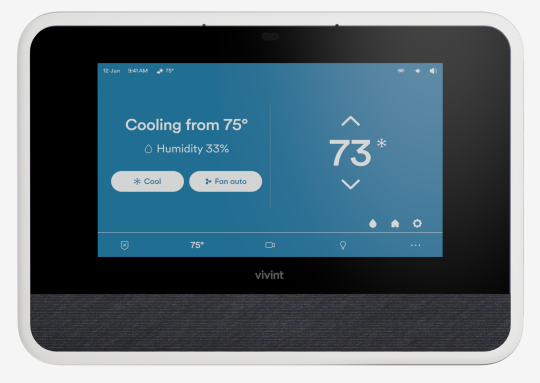
| Vivint | End-to-End AES | 24/7 Smart Home Sync | Cellular Backup |
| Frontpoint | AES-256 | UL-Listed Monitoring | Cellular + Internet |
| SimpliSafe | AES-128/256 | 24/7 Response | Cellular Backup |


As an Amazon Associate, we may earn from qualifying purchases.
Final security checklist for homeowners
Before you consider your work done, run through this verification list to ensure your Alarm Systems are fully hardened against wireless hacks. This recap covers the critical actions from each step, giving you a quick way to spot any gaps in your setup.
Take ten minutes to check these items. A secure home relies on consistent maintenance, not just a one-time install. If any item is unchecked, address it immediately to close potential entry points for attackers.
No comments yet. Be the first to share your thoughts!