
The reality of going keyless
Ditching physical keys for a phone-controlled deadbolt is a massive upgrade, but it isn't without trade-offs. While you get remote monitoring and tamper alerts, you're also introducing software vulnerabilities to your front door. I've found that the convenience usually outweighs the risk, provided you pick the right hardware.
We're seeing rapid advancements in this space, with manufacturers constantly working to improve security and functionality. SafeHome.org’s 2026 guide indicates a continued rise in adoption, with more homeowners opting for smart locks as they become more affordable and user-friendly. This year, we’re particularly focused on understanding how the latest models address previous security concerns and integrate with wider smart home ecosystems.
The benefits are clear: no more fumbling for keys, the ability to grant temporary access to guests or service providers, and real-time notifications about who is entering and exiting your home. But it's not a simple upgrade. Choosing the right smart lock requires careful consideration of your needs, your existing smart home setup, and a realistic understanding of the potential risks.
Top Smart Locks of 2026
Choosing the best smart lock depends heavily on your priorities and existing smart home setup. Several models consistently rank highly in testing and user reviews, each with its own strengths and weaknesses. We've looked at options from Yale, Schlage, and August, along with some newer contenders, to identify the leading contenders for 2026.
The Yale Assure Lock 2 Plus continues to be a strong performer. It offers a variety of connectivity options – Wi-Fi, Bluetooth, Z-Wave, and Matter support – making it compatible with a wide range of smart home systems. This flexibility is a major selling point. It also boasts a built-in alarm and tamper detection, adding an extra layer of security. Pricing starts around $259.
Schlage Encode Plus is another excellent choice, particularly for those invested in the Apple HomeKit ecosystem. It offers direct Apple HomeKit connectivity, eliminating the need for a hub. Schlage has a long-standing reputation for build quality and reliability, and the Encode Plus doesn’t disappoint. It’s also compatible with Amazon Alexa and Google Assistant, though integration isn’t as seamless as with HomeKit. It's priced around $279.
August Wi-Fi Smart Lock (4th Gen) remains popular for its sleek design and ease of installation. It replaces only the interior portion of your existing deadbolt, preserving your existing keys as a backup. The Wi-Fi connectivity eliminates the need for a hub, and it integrates well with Amazon Alexa and Google Assistant. However, it lacks Z-Wave or Zigbee support, limiting its compatibility with some smart home systems. It is available for around $249.
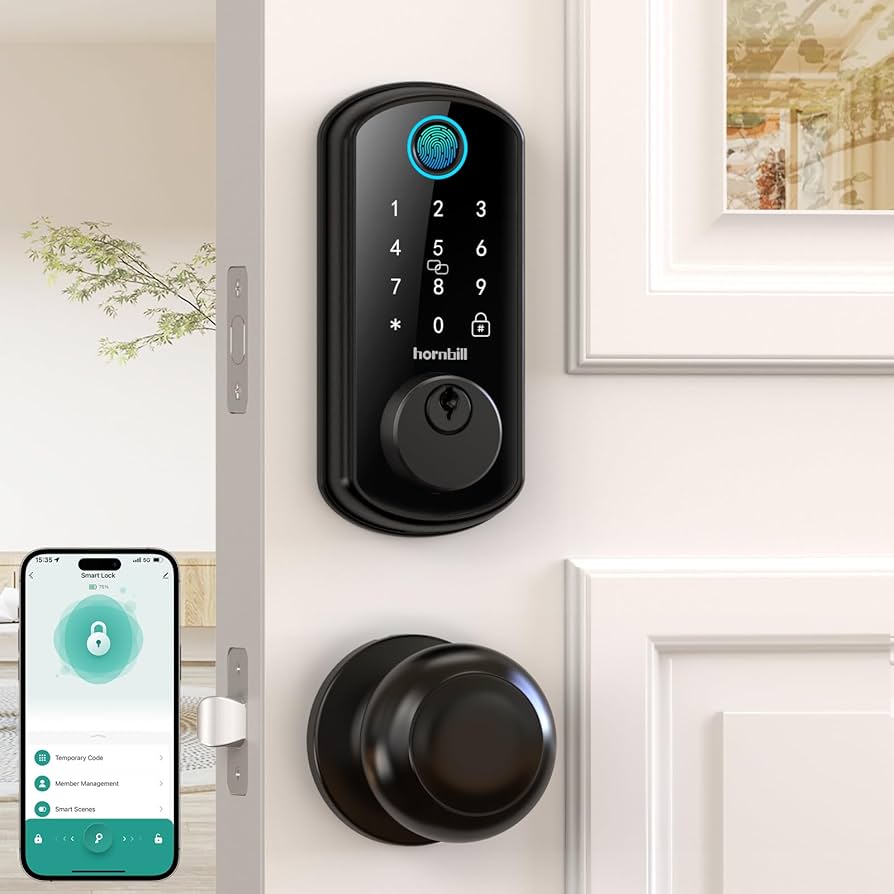
If you're looking for a more budget-friendly option, the Ultraloq UL3 BT offers a good balance of features and affordability. It features fingerprint unlocking, a keypad, and smartphone access. While it doesn’t have all the bells and whistles of the more expensive models, it provides a significant security upgrade over a traditional lock. It currently sells for around $149.
Finally, Level Lock+ stands out for its minimalist design, entirely concealing itself within your door. It works with Apple HomeKit, Wi-Fi, and Bluetooth. While its unique form factor is appealing, it’s important to note that installation can be more complex than with traditional locks. It’s priced around $349.
Why wireless protocols matter
The security of a smart lock isn't just about its physical construction; it's heavily reliant on the wireless protocols it uses to communicate. Different protocols have different strengths and weaknesses, and understanding these differences is crucial when choosing a lock. Bluetooth LE, Z-Wave, Zigbee, and Wi-Fi are the most common protocols.
Bluetooth LE is energy-efficient and widely supported, but it has a limited range and can be vulnerable to relay attacks, where an attacker intercepts and relays the signal. Z-Wave and Zigbee create a mesh network, offering better range and security than Bluetooth, but require a hub. They are generally considered more secure, as they use encryption and are less susceptible to relay attacks. Wi-Fi offers the convenience of direct internet connectivity, but it's also the most vulnerable to hacking if not properly secured.
Check for AES 128-bit encryption or higher. Every protocol has flaws, so you have to update the firmware whenever the app prompts you. A software bug can make the strongest physical bolt useless.
Smart Door Lock Communication Protocol Security Comparison - 2026
| Protocol | Range | Interference Susceptibility | Encryption Strength | Common Vulnerabilities |
|---|---|---|---|---|
| Bluetooth LE | Short (typically up to 30 feet, can vary) | Moderate – susceptible to interference from other Bluetooth devices and some physical obstructions. | Medium – Utilizes AES encryption, but key exchange can be a point of weakness. | Relay attacks, Bluetooth spoofing, potential for key extraction if device is compromised. |
| Z-Wave | Moderate (up to 100 feet, but dependent on building materials) | Low – Operates on a less congested frequency than Wi-Fi or Bluetooth. | Medium – Employs AES encryption with secure network inclusion. | Snooping (though encrypted), limited range can be a security concern in larger properties, reliance on a central hub. |
| Zigbee | Moderate (up to 100 feet, similar to Z-Wave) | Moderate – Can experience interference, though generally less than Wi-Fi. Mesh network helps improve reliability. | Medium – Uses AES encryption; security depends on implementation and network configuration. | Vulnerable to jamming, potential for network compromise if hub is compromised, similar range limitations as Z-Wave. |
| Wi-Fi | Long (typically 150+ feet, dependent on router and obstructions) | High – Susceptible to interference from other Wi-Fi networks and devices. | Variable – Security depends heavily on the Wi-Fi network's encryption (WPA3 is strongest, older standards are weaker). | Man-in-the-middle attacks, Wi-Fi network vulnerabilities, potential for unauthorized access if network is compromised. |
| Thread | Moderate (similar to Z-Wave/Zigbee) | Low to Moderate – Designed for low-power, reliable communication, but can be affected by interference. | High – Uses AES encryption and secure commissioning process. | Relatively new protocol, potential for undiscovered vulnerabilities, dependence on a border router. |
| Matter (over Wi-Fi) | Long (dependent on Wi-Fi router) | High – Inherits Wi-Fi interference susceptibility. | High – Leverages strong Wi-Fi security protocols (WPA3) and adds additional layers. | Vulnerable to Wi-Fi network attacks, complexity of Matter setup may introduce vulnerabilities. |
Illustrative comparison based on the article research brief. Verify current pricing, limits, and product details in the official docs before relying on it.
Beyond the Lock: Ecosystem Integration
Smart locks rarely operate in isolation. They often integrate with broader smart home ecosystems like Amazon Alexa, Google Assistant, and Apple HomeKit. This integration offers convenience – controlling your lock with voice commands or automating access based on other smart home devices – but it also introduces potential security and privacy concerns.
Relying on a specific ecosystem can create vendor lock-in, limiting your future options. Two-factor authentication (2FA) and multi-factor authentication (MFA) are crucial when integrating your smart lock with these platforms. These methods add an extra layer of security, requiring a second form of verification in addition to your password.
It’s important to be aware that these platforms collect data about your usage. While this data can be used to improve the user experience, it also raises privacy concerns. Review the privacy policies of these platforms and adjust your settings accordingly to limit data collection.
Installation & Maintenance: DIY vs. Pro
Many smart locks are designed for DIY installation, and for the average homeowner with basic handyman skills, it's often a manageable project. However, some locks, like the Level Lock+, can be more complex to install, potentially requiring specialized tools or expertise. Incorrect installation can compromise the lock’s security.
If you’re not comfortable with DIY, professional installation is recommended, especially if you have an unusual door configuration or lack experience with door hardware. Professional installation typically costs between $100 and $200. Ongoing maintenance is relatively simple: replacing batteries (typically every 6-12 months) and keeping the firmware updated are the most important tasks.
Regularly check the lock’s functionality and ensure the bolt is operating smoothly. It’s also a good idea to periodically review your access logs to identify any suspicious activity.
Biometrics and the move away from PINs
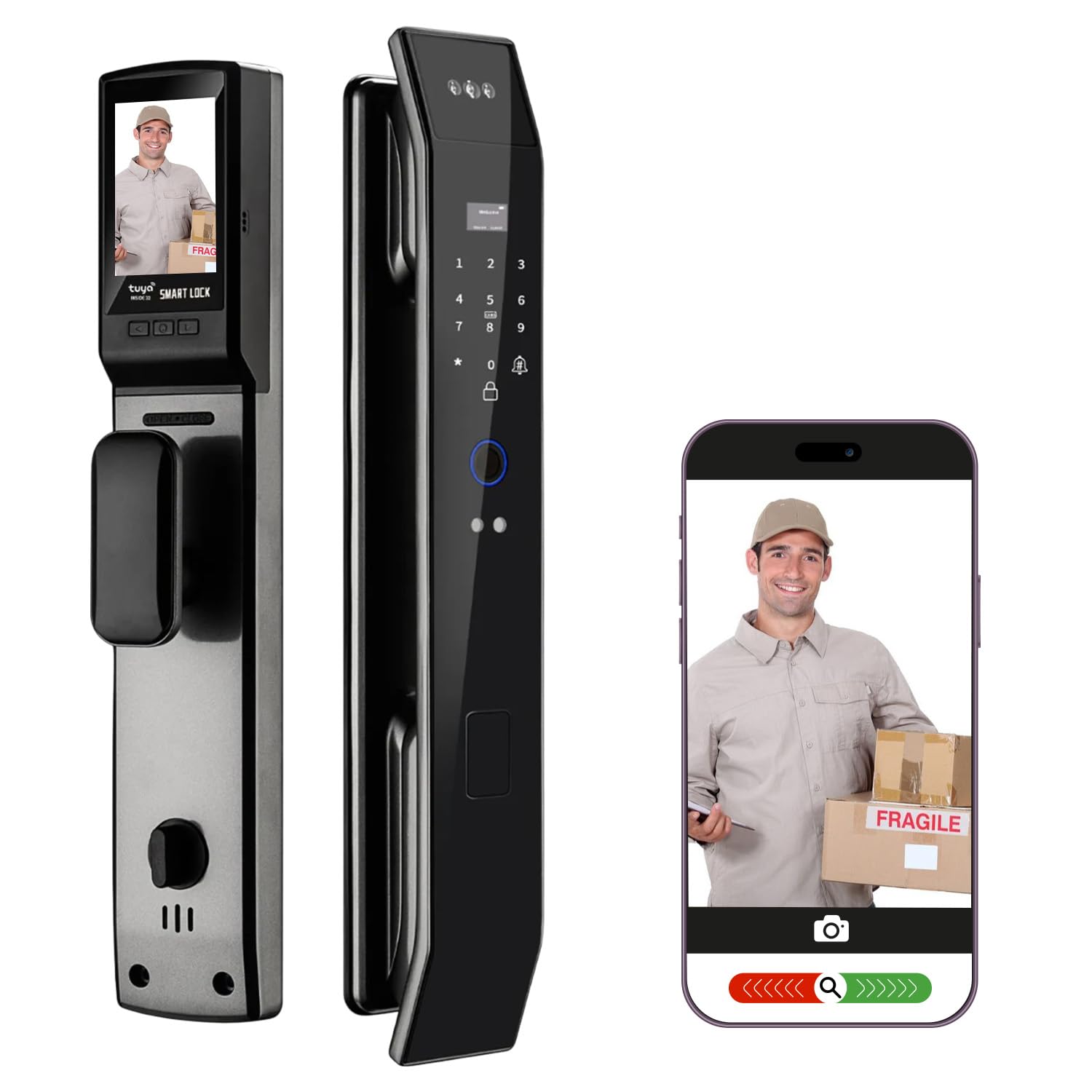
The smart lock landscape is constantly evolving. We can expect to see increased adoption of biometric authentication, such as fingerprint and facial recognition, offering a more secure and convenient alternative to PIN codes and passwords. Remote access control will become more sophisticated, allowing you to grant access to visitors even when you're not home.
Integration with other security systems, like video doorbells and security cameras, will become more seamless. We may also see the development of more robust security protocols that are less susceptible to hacking. The YouTube channel George Langabeer predicts continued innovation in this space, especially regarding ease of use and reliability.
Ultimately, the future of smart locks lies in creating a truly secure and convenient access control system that seamlessly integrates into our increasingly connected lives. The focus will likely shift towards proactive security measures and personalized access management.
No comments yet. Be the first to share your thoughts!