

Why we're all installing cameras on our doors
I’ve lost count of how many times I’ve missed a package because the notification hit my phone five minutes after the driver pulled away. It’s annoying, but it’s why these doorbells are everywhere now. They aren't just gadgets for lazy people; they let you actually talk to whoever is on your porch without opening the door.
The evolution has been rapid. We’ve moved from simple doorbells to systems with motion detection, two-way audio, and now, sophisticated facial recognition. Initially, many people were skeptical – another gadget to complicate life, perhaps? But adoption rates are climbing. Security.org reports increasing consumer demand for video doorbells as an essential component of home safety.
The appeal is understandable. A smart doorbell provides a visual record of activity at your door, deters potential package thieves, and allows you to remotely monitor your property. Facial recognition takes this a step further, promising to identify frequent visitors and alert you to unfamiliar faces. It’s a technology that’s quickly becoming expected, and the market reflects that.
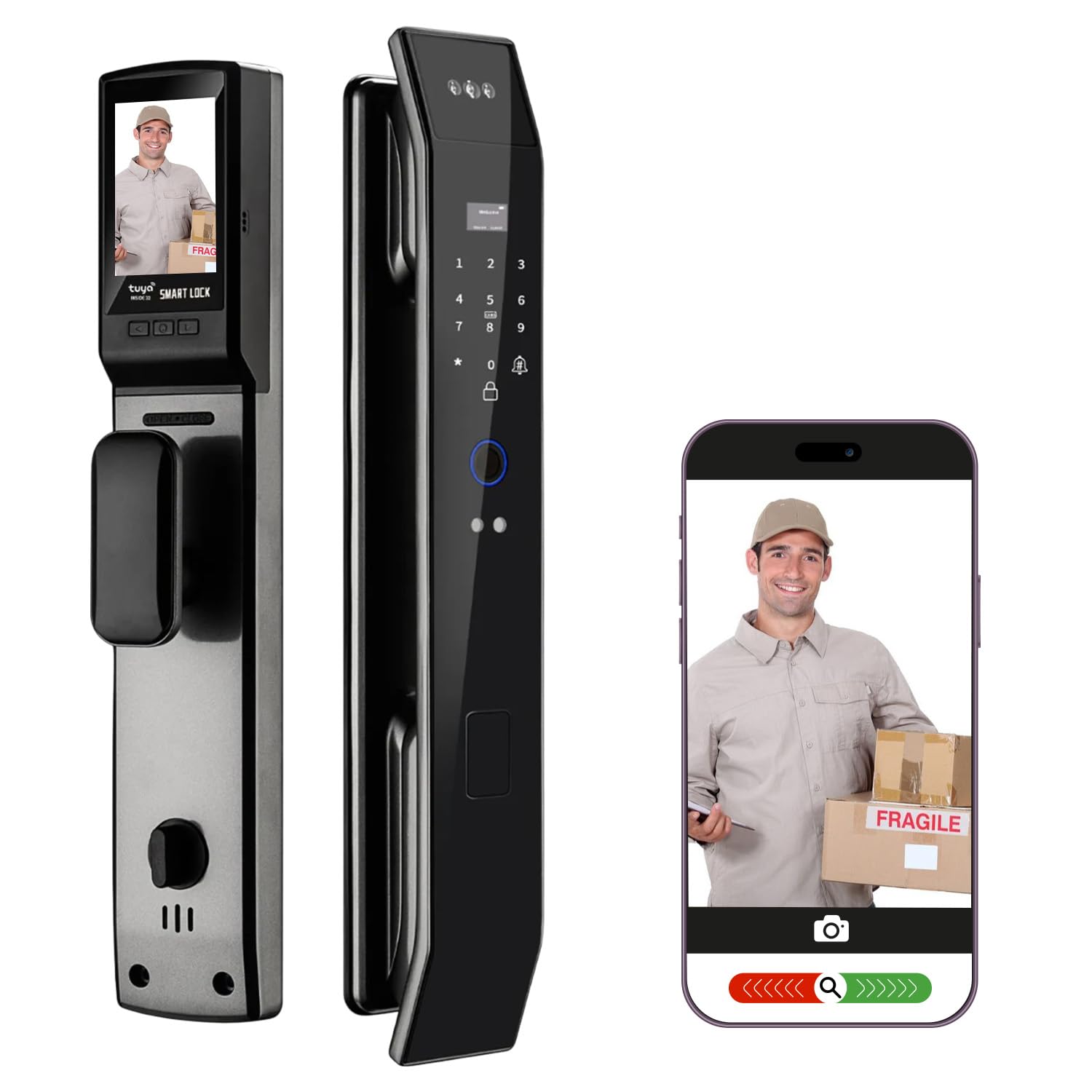
The reality of facial recognition
Facial recognition in smart doorbells relies on artificial intelligence. The doorbell uses its camera to capture images, then analyzes those images to identify unique facial features. It essentially creates a "faceprint’ and compares it to a database of faces you’ve previously designated as ‘known." The more data it has – more photos from different angles and lighting conditions – the better it performs.
Storage is the big trade-off. Some doorbells handle the heavy lifting on the device itself, so your face data never leaves your house. Others send everything to the cloud. Ring is the most famous example of this—they keep your clips on their servers, but you'll pay a monthly fee for the privilege. You should know exactly who owns that footage before you drill holes in your siding.
Accuracy isn’t foolproof. Lighting, angles, and obstructions like hats or sunglasses can all impact performance. False positives – misidentifying someone – and false negatives – failing to recognize a known face – are possible. The New York Times’ Wirecutter reviews highlight the importance of realistic expectations; these systems aren’t perfect. I'm not sure about the exact accuracy rates across all models, but independent testing is key.
Privacy is understandably a major concern. How is your facial recognition data secured? Could it be misused? It’s vital to choose a doorbell from a reputable manufacturer with a strong commitment to data security and user privacy. Look for options that allow you to control data storage, access permissions, and opt-out of facial recognition altogether.
Top 10 Video Doorbells with Facial Recognition (2026)
Ranking smart doorbells is tricky, as performance varies based on individual needs and circumstances. However, based on reviews from sources like Security.org and Wirecutter, along with available testing data, here’s a look at 10 top contenders in 2026. Pricing is approximate and subject to change.
1. Ring Pro 3: A popular choice, the Ring Pro 3 offers excellent video quality (1536p HD), a wide 160-degree field of view, and accurate facial recognition with a Ring Protect Plan. Price: $240 (doorbell) + $3-20/month (subscription). Pros: Wide compatibility, reliable performance. Cons: Subscription required for full features.
2. Google Nest Doorbell (Battery): Seamless integration with the Google ecosystem is a major draw. Offers intelligent alerts, package detection, and facial recognition through Nest Aware. Price: $180 (doorbell) + $6-12/month (subscription). Pros: Excellent app, smart features. Cons: Facial recognition accuracy can be inconsistent.
3. Arlo Essential Video Doorbell Wire-Free: A flexible, wire-free option with good video quality and reliable motion detection. Facial recognition is available with an Arlo Secure subscription. Price: $150 (doorbell) + $3-15/month (subscription). Pros: Wireless, easy installation. Cons: Limited features without subscription.
4. Eufy Security Video Doorbell 2K (Battery-Powered): Eufy stands out with its commitment to local storage – no subscription required for basic functionality. Offers decent facial recognition and a 2K camera. Price: $200. Pros: No subscription fee, local storage. Cons: Facial recognition isn’t as refined as some competitors.
5. SimpliSafe Video Doorbell Pro: Integrates seamlessly with SimpliSafe home security systems. Provides clear video, two-way audio, and facial recognition. Price: $230 (doorbell) + $2.50-28/month (subscription). Pros: Strong security integration. Cons: Reliant on SimpliSafe ecosystem.
6. Blink Video Doorbell: An affordable option, but facial recognition is limited and requires a Blink Subscription Plan. Offers basic functionality and decent video quality. Price: $50 (doorbell) + $3-10/month (subscription). Pros: Affordable. Cons: Basic features, limited facial recognition.
7. Abode Iota All-in-One Security System (with Doorbell Add-on): A complete security solution with a video doorbell add-on. Offers facial recognition and integration with other Abode devices. Price: $280 (system) + $80 (doorbell add-on) + $5-20/month (subscription). Pros: Comprehensive security. Cons: Higher upfront cost.
8. Flo by Moen Smart Water Leak Detector (with Doorbell Integration): An unusual entry, but Flo offers a unique integration with their water leak detection system. Facial recognition is available through a partnership with another provider. Price: $500 (system) + $100 (doorbell add-on) + $5-15/month (subscription). Pros: Unique integration. Cons: Expensive, reliant on partnerships.
9. Swann SWD-XPTL Wire-Free Video Doorbell: A budget-friendly option with a focus on local storage. Facial recognition is available, but performance is inconsistent. Price: $100. Pros: Local storage, affordable. Cons: Inconsistent performance.
10. Lorex 2K Wired Video Doorbell: Offers a sharp 2K image and local recording options. Facial recognition is available but requires a Lorex Cloud subscription. Price: $130 + $4-10/month (subscription). Pros: 2K resolution, local recording. Cons: Subscription required for full features.
Featured Products
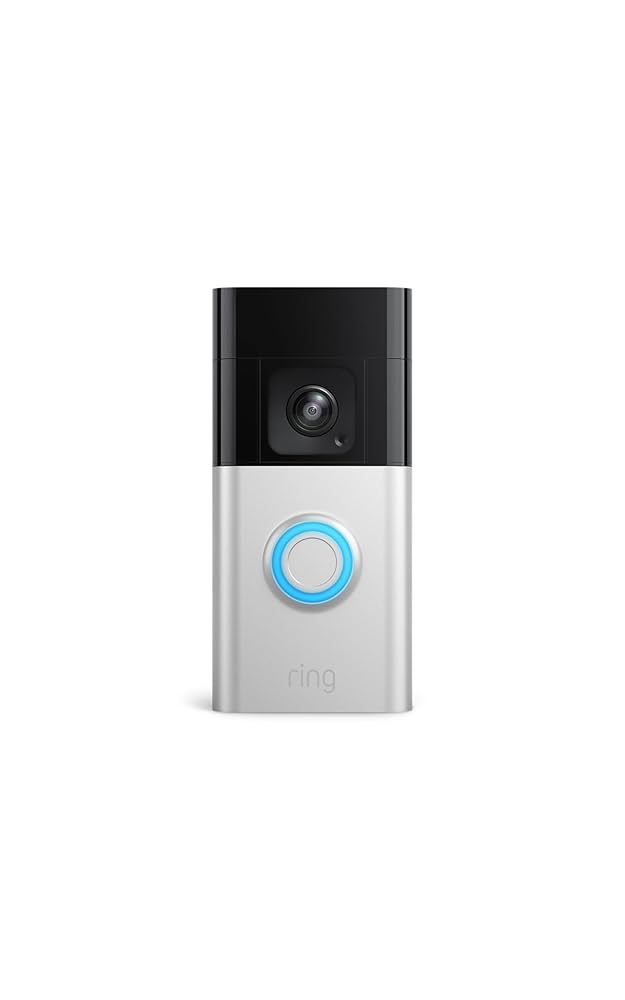
1080p HD video · Advanced motion detection · Two-way talk
The Ring Video Doorbell Pro offers advanced motion detection and two-way talk for enhanced home security, with compatibility for smart home integration.

1080p HDR video · Battery or wired installation · Two-way talk with noise cancellation
The Google Nest Doorbell (Battery) provides clear video quality and intelligent alerts, including familiar face detection with a subscription, for convenient home monitoring.

2K video resolution · Wireless or wired setup · 180° diagonal view
The Arlo Video Doorbell 2K offers a wide field of view and advanced detection capabilities, including package and person recognition, for comprehensive security monitoring.
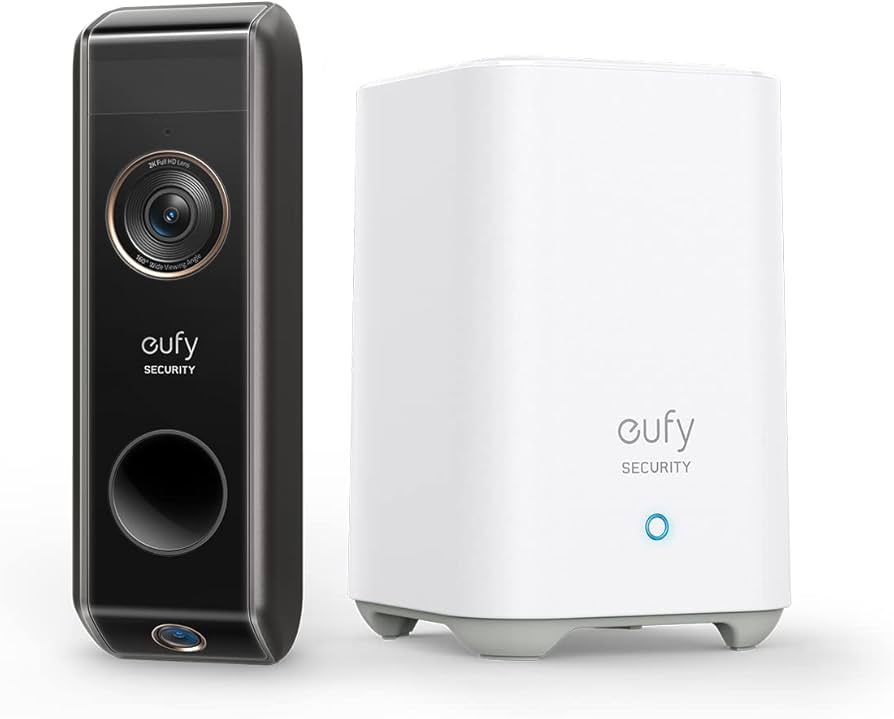
1080p HD video · Dual-lens design for wide and downward views · AI facial recognition
The Eufy Security Dual Camera Doorbell features AI facial recognition and a dual-lens system to provide detailed views and intelligent alerts for visitors.

1080p HD video · Wide-angle lens · Two-way audio
The SimpliSafe Wired Video Doorbell, part of a comprehensive security system, offers HD video, two-way audio, and seamless integration with other SimpliSafe devices.
As an Amazon Associate I earn from qualifying purchases. Prices may vary.
Features that actually matter
Facial recognition is a headline feature, but don’t overlook other important aspects. Two-way audio quality is crucial for clear communication with visitors. A muffled or distorted voice can defeat the purpose. Motion detection sensitivity is also key – you want to be alerted to relevant activity without being overwhelmed by false alarms.
Customizable motion zones let you focus on specific areas, like your porch or driveway, ignoring things like passing cars. Night vision clarity is essential for nighttime monitoring. Look for doorbells with infrared or color night vision. Video storage options are another important consideration. Cloud storage offers convenience but comes with a recurring fee, while local storage provides privacy but requires more setup and maintenance.
Integration with other smart home platforms – Amazon Alexa, Google Assistant, and Apple HomeKit – allows you to control your doorbell with voice commands and create automated routines. Finally, consider the power source. Wired doorbells offer reliable power but require existing wiring, while battery-powered doorbells are easier to install but need regular charging. There's a trade-off with each.
Installation & Setup: What to Expect
Installation varies depending on whether you choose a wired or wireless doorbell. Wired doorbells require connecting to your existing doorbell wiring, which may involve some basic electrical work. Wireless doorbells are generally easier to install, often requiring just mounting and connecting to your Wi-Fi network. You’ll likely need a screwdriver, drill, and potentially a voltage tester for wired installations.
The setup process typically involves downloading the doorbell’s app, creating an account, and connecting the doorbell to your Wi-Fi network. Then comes the crucial step of "training" the facial recognition system. This involves uploading photos of yourself and your family members, as well as anyone else you want the doorbell to recognize. The more photos, the better.
A strong and stable Wi-Fi signal is essential for reliable performance. If your Wi-Fi signal is weak at your front door, you may need to consider a Wi-Fi extender. Be realistic about the time commitment – installation and setup can take anywhere from 30 minutes to a couple of hours, depending on your experience and the complexity of the installation.
Privacy & Security: Protecting Your Data
Privacy concerns surrounding smart doorbells are legitimate. Ensure your doorbell uses encryption to protect your video footage and data. Look for manufacturers with clear and transparent data storage policies. Vector Security emphasizes the importance of understanding how your data is used and protected.
Strong passwords are non-negotiable. Use a unique and complex password for your doorbell account, and enable two-factor authentication if available. Control who has access to your doorbell footage – limit access to trusted family members. Regularly check your doorbell’s settings and privacy options.
Keep your doorbell’s firmware up to date to patch security vulnerabilities. Manufacturers regularly release updates to address security flaws. Be aware of potential vulnerabilities and take steps to mitigate them. A little vigilance can go a long way in protecting your privacy and security.

No comments yet. Be the first to share your thoughts!