
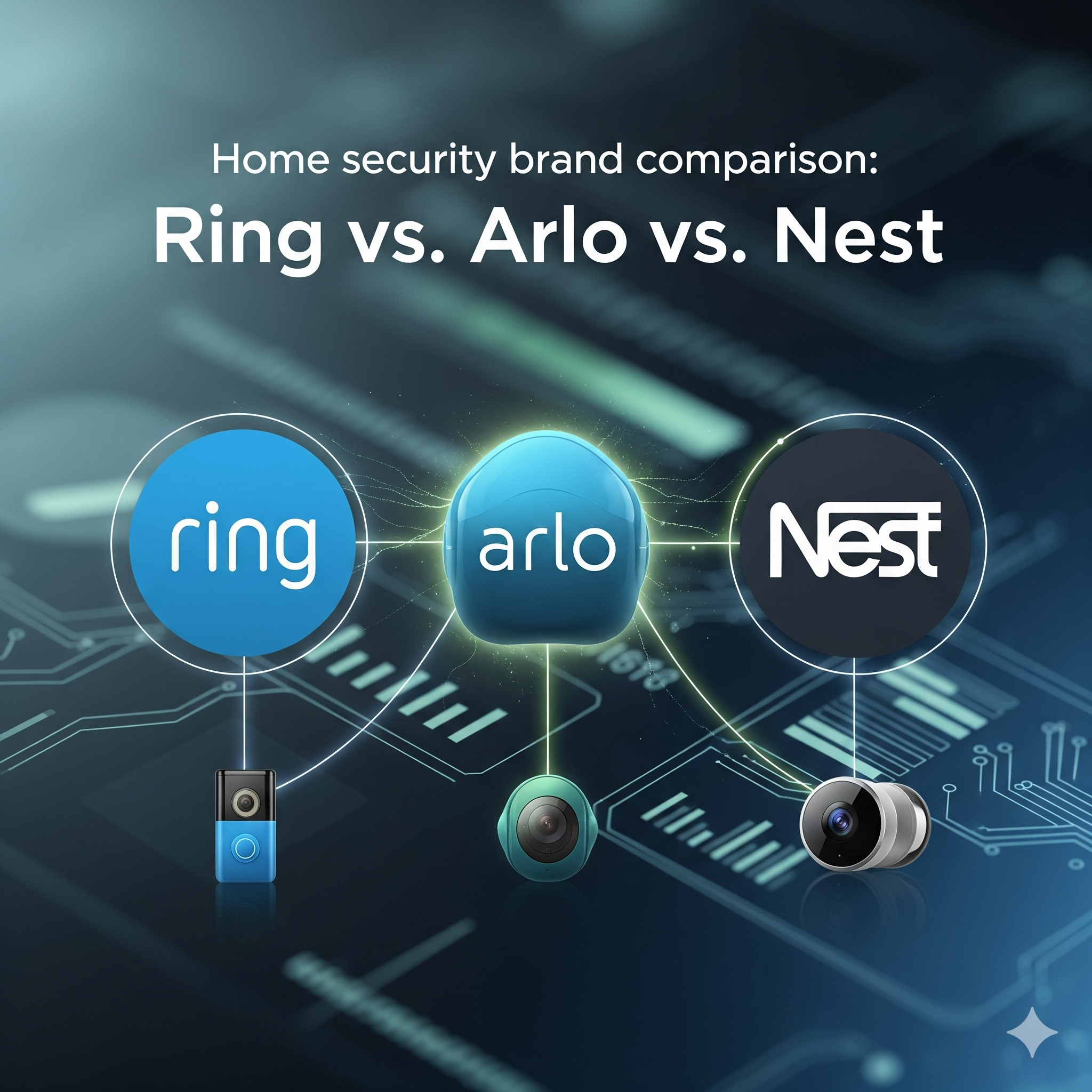
Doorbell Camera Face-Off: 2026 Edition
The smart doorbell market has matured significantly. Ring, Arlo, and Nest remain the dominant players, but the landscape has shifted. Early complaints about limited features and unreliable connectivity have largely been addressed, though each system still carries its own strengths and weaknesses. This isn’t your 2020 review; 2026 brings refinements in AI detection, improved integration with smart home ecosystems, and a continued focus on user privacy – or, at least, more user awareness of privacy implications.
Choosing between these three isn’t simple. Ring continues to appeal to budget-conscious buyers seeking a broad range of devices. Arlo targets those willing to pay a premium for advanced features and high-quality hardware. Nest aims for seamless integration within the Google Home ecosystem, offering convenience for existing Google users. The "best" doorbell really depends on your individual needs and priorities.
We’ve spent the last several months testing and re-testing each system, focusing on real-world performance, subscription costs, and overall user experience. We’re looking beyond the marketing hype to provide a practical comparison for consumers in 2026. This includes evaluating the latest software updates and hardware revisions, as well as analyzing user feedback from across the web.
Ring’s Ecosystem: Still the Value Leader?
Ring still positions itself as the most affordable entry point to home security, and that largely holds true in 2026. They’ve expanded their device lineup considerably beyond doorbells, now offering indoor and outdoor cameras, alarms, and even security lighting. This interconnected ecosystem is a major draw for many, allowing users to build a comprehensive security setup without breaking the bank. However, the cost can quickly add up as you add more devices.
Ring offers two main subscription plans as of late 2026: Protect Basic and Protect Pro. Protect Basic starts at $3.99 per month per camera and provides video recording and sharing. Protect Pro, at $10 per month, adds 24/7 professional monitoring and extended video history. The value proposition is decent, but it’s important to factor in the ongoing cost of these subscriptions if you want full functionality. Without a subscription, your Ring doorbell essentially functions as an expensive, internet-connected intercom.
The Amazon integration remains a double-edged sword. While convenient for Amazon Prime members, some users express concerns about data privacy and the potential for Amazon to leverage Ring data for marketing purposes. I've seen a lot of discussion online about users feeling like they are constantly being advertised to within the Ring app. The tight integration with Alexa is a plus for voice control, but it also raises questions about who has access to your video footage.
A key area where Ring has improved is in its intelligent detection capabilities. They’ve refined their person and package detection, reducing false positives. But it’s still not perfect, and you’ll likely still receive occasional notifications for things like swaying trees or passing cars. Their recent 'Birds Eye View' feature, offering an overhead view of motion events, is a nice addition, but requires a compatible device.
- Ring Protect Basic: $3.99/month per camera – Video recording and sharing.
- Ring Protect Pro: $10/month – 24/7 professional monitoring, extended video history.
Featured Products

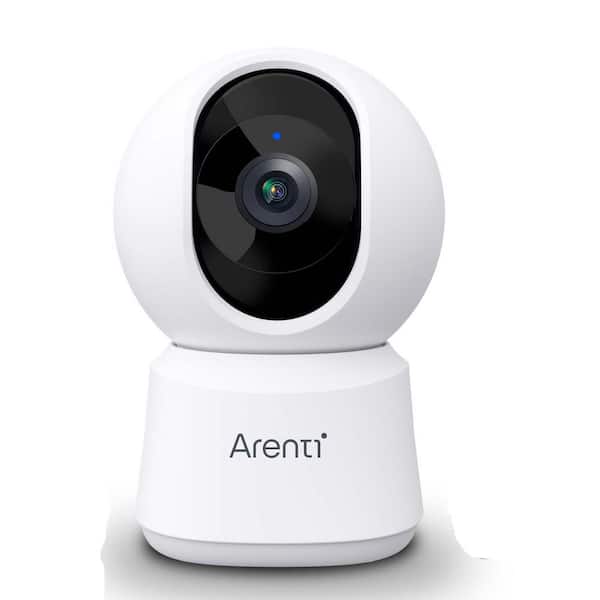
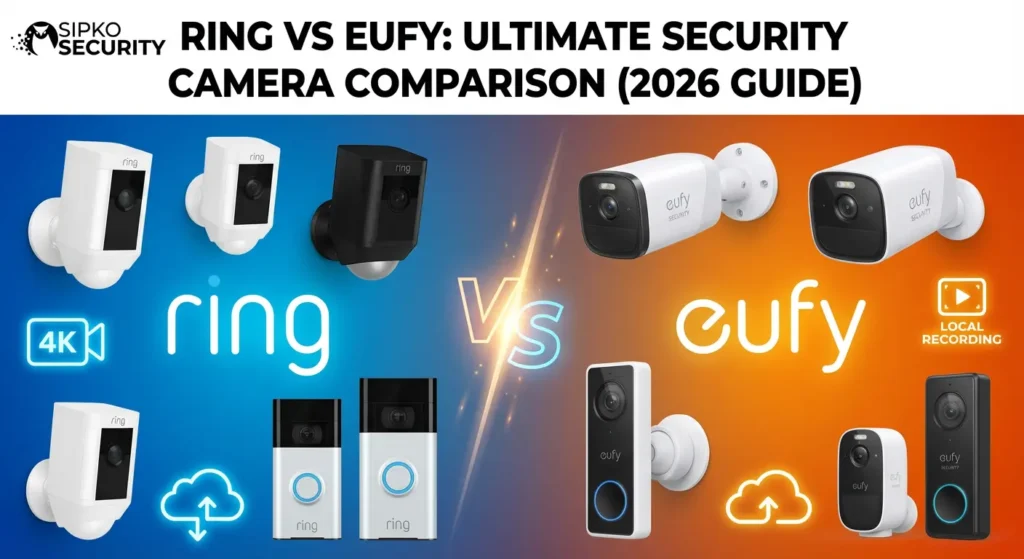
Retinal 4K video resolution with wide-angle view · 10x enhanced zoom capabilities · Advanced low-light performance for clear night vision
The Ring Wired Doorbell Pro offers a high-resolution video experience with advanced zoom and low-light capabilities, making it a strong contender in smart doorbell comparisons.

Weather-resistant design for outdoor use · Color Night Vision for enhanced visibility after dark · Two-Way Talk functionality for communication
The Ring Outdoor Cam provides a durable and versatile option for expanding security coverage outdoors, featuring color night vision and two-way audio.

Expandable wireless security system with 14 pieces · Easy setup and mobile app control · Optional 24/7 professional monitoring service
The Ring Alarm 14-Piece Kit offers a robust and expandable foundation for smart home security, complementing doorbell and camera systems with comprehensive monitoring.
As an Amazon Associate I earn from qualifying purchases. Prices may vary.
Arlo’s Premium Approach: Worth the Cost?
Arlo consistently delivers high-quality hardware and a feature-rich experience, but it comes at a price. Their cameras boast excellent video resolution, wide field of view, and impressive night vision. Arlo’s commitment to wireless technology is also noteworthy, offering flexibility in placement and installation. However, the initial investment is substantially higher than Ring’s.
Arlo offers two main subscription tiers: Secure and Secure Plus. Secure starts at $9.99 per month and includes cloud storage for 30 days of recordings. Secure Plus, at $14.99 per month, extends that to 60 days and adds features like emergency call dispatch and smarter detection. The smarter detection is where Arlo really shines, accurately identifying people, packages, animals, and vehicles – minimizing false alarms.
The cloud storage options are robust, and Arlo’s intelligent detection algorithms are among the best in the business. They’ve also introduced a local storage option with compatible base stations, which is a welcome addition for privacy-conscious users. This allows you to store recordings on a USB drive, bypassing the cloud altogether. But it does require an additional purchase and adds a layer of complexity.
One potential drawback is Arlo’s reliance on a base station for some features. While this enhances reliability and range, it adds to the overall cost and complexity of the system. It’s also worth noting that Arlo’s battery life, while generally good, can be impacted by frequent motion detection and high-resolution recording.
- Arlo Secure: $9.99/month – 30 days of cloud storage.
- Arlo Secure Plus: $14.99/month – 60 days of cloud storage, emergency call dispatch, smarter detection.
Nest’s Google Home Integration: Seamless or Limited?
Nest’s strength lies in its seamless integration with the Google Home ecosystem. If you’re already heavily invested in Google Assistant and other Google smart devices, Nest is a natural fit. Setting up and controlling your Nest doorbell through the Google Home app is incredibly easy and intuitive. However, if you’re not a Google user, some of the benefits may be lost.
Nest Aware is the subscription service that unlocks the full potential of your Nest doorbell. It offers intelligent alerts, familiar face detection, and event video history. The pricing structure is tiered, with plans starting around $8 per month. The familiar face detection is a standout feature, allowing the doorbell to recognize frequent visitors and notify you accordingly. It's generally quite accurate, but can sometimes misidentify people.
One area where Nest has lagged behind is in its app experience. While the Google Home app is generally well-designed, it can feel cluttered and overwhelming, especially if you have a lot of smart devices. I’ve found that navigating to the doorbell settings can sometimes be a bit cumbersome. They’ve made improvements, but it still isn’t as streamlined as Ring or Arlo.
Nest’s video quality is excellent, and its integration with Google Assistant allows for voice control and automation. But the system’s reliance on the Google ecosystem can be a limitation for some users. If you’re concerned about data privacy and Google’s data collection practices, Nest may not be the best choice.
Video Quality & Features: A Detailed Breakdown
When it comes to video quality, Arlo generally leads the pack, offering up to 2K HDR resolution on its higher-end models. Ring typically offers 1080p resolution, which is sufficient for most users, while Nest also delivers 1080p, with some models offering slightly wider dynamic range. Field of view is also important; Arlo and Nest generally offer wider fields of view (around 160 degrees) than Ring (around 140 degrees).
Night vision performance is another key consideration. Arlo’s color night vision is particularly impressive, providing clear and detailed images even in low-light conditions. Ring and Nest offer infrared night vision, which is adequate but doesn’t provide the same level of detail. Package detection is a standard feature on all three systems, but Arlo’s implementation is generally the most accurate, minimizing false positives.
Person, animal, and vehicle detection are also available on all three platforms, but the accuracy varies. Arlo consistently performs the best in this category, thanks to its advanced AI algorithms. Ring and Nest have improved their detection capabilities, but they still occasionally misidentify objects. Activity zones allow you to focus motion detection on specific areas, reducing unwanted notifications.
Here’s a quick comparison table:
| Feature | Ring | Arlo | Nest | |-------------------|---------------|---------------|---------------| | Resolution | 1080p | Up to 2K HDR | 1080p | | Field of View | 140° | 160° | 160° | | Night Vision | Infrared | Color | Infrared | | Package Detection | Good | Excellent | Good | | Person Detection | Good | Excellent | Good |
Ring, Arlo, and Nest Security Cameras: Feature Comparison - 2026
| Feature | Ring | Arlo | Nest |
|---|---|---|---|
| Video Resolution | Good | Excellent | Good |
| Night Vision Quality | Good | Good | Excellent |
| Motion Detection Accuracy | Fair | Excellent | Good |
| Smart Alerts & Person/Package Detection | Good | Excellent | Good |
| Ease of Installation | Excellent | Good | Good |
| Integration with Smart Home Ecosystems | Good | Good | Excellent |
| Cloud Storage Options | Good | Good | Good |
| Two-Way Audio Quality | Good | Good | Good |
Illustrative comparison based on the article research brief. Verify current pricing, limits, and product details in the official docs before relying on it.
Privacy Concerns: What You Need to Know
Privacy is a significant concern with any connected security camera. Ring has faced criticism in the past regarding data sharing with law enforcement and potential security vulnerabilities. They've since implemented end-to-end encryption for video recordings, but it's not enabled by default. Arlo offers end-to-end encryption as an option, providing greater control over your data. Nest also offers encryption, but its data collection practices are more extensive due to its integration with Google.
It’s crucial to review each company’s privacy policy and understand how your data is being used. Consider enabling two-factor authentication for added security. Be mindful of the information you share with the camera, such as your location and personal details. Regularly review your camera settings and adjust your privacy preferences as needed. I think it’s important to remember that no system is completely secure, and there’s always a risk of data breaches or unauthorized access.
Recent reports have highlighted the potential for hackers to gain access to Ring cameras and communicate with users through the device. While these incidents are rare, they underscore the importance of strong passwords and regular software updates. Arlo and Nest have also experienced security vulnerabilities, so it’s essential to stay informed about the latest security threats and take appropriate precautions.
Installation & Ease of Use: DIY vs. Pro
All three systems are designed for relatively easy DIY installation. Ring and Arlo offer both wired and wireless options, while Nest is primarily wireless. The installation process typically involves mounting the doorbell, connecting it to your Wi-Fi network, and downloading the mobile app. Ring and Arlo provide detailed instructions and helpful videos, making the process straightforward for most users.
Professional installation is available for all three systems, but it comes at an additional cost. This can be a good option if you’re not comfortable with DIY projects or if you have complex wiring requirements. The mobile app experience is generally user-friendly, but Nest’s app can feel a bit cluttered. Ring and Arlo offer more streamlined interfaces.
I found Arlo's app to be the most intuitive, with clear menus and easy-to-understand settings. Ring's app is also well-designed, but it can be overwhelming with the sheer number of devices and features. Nest's app is functional, but it lacks the polish of Ring and Arlo.
- Download the mobile app.
- Mount the doorbell.
- Connect to Wi-Fi.
- Follow the in-app instructions.
Standout Models: Which to Consider Closely
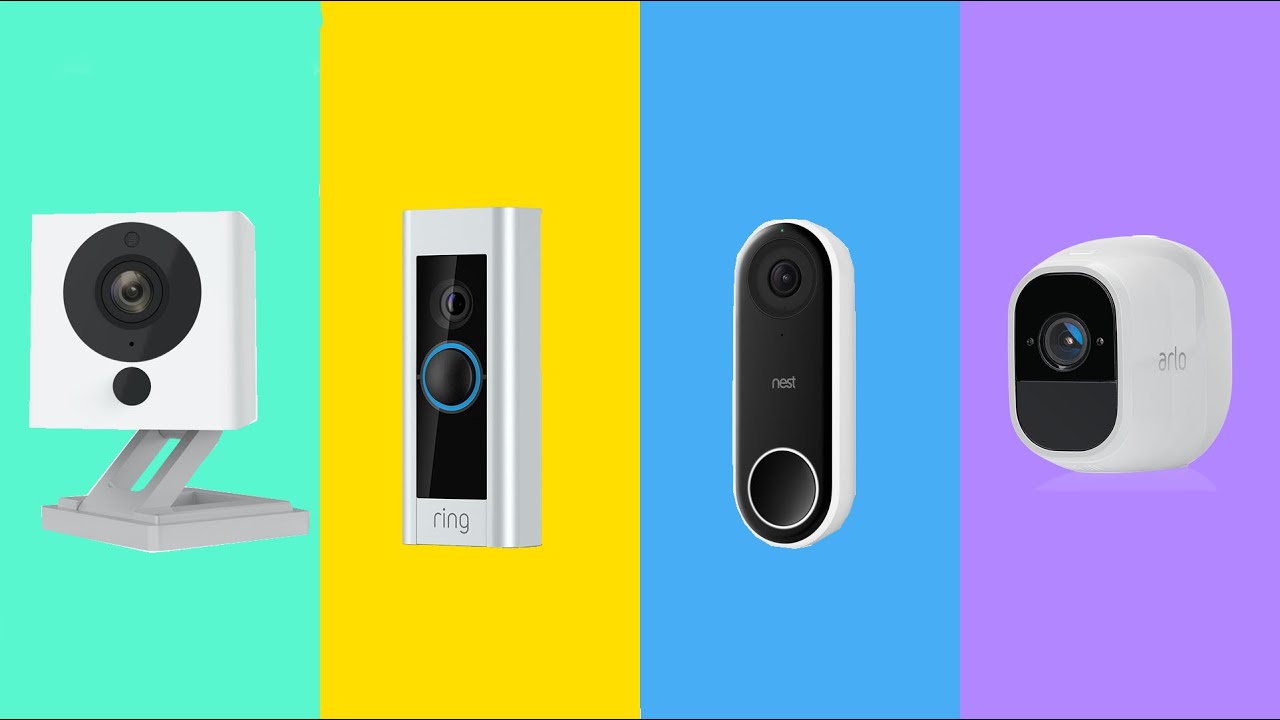
After extensive testing, a few models stand out within each brand. For Ring, the Ring Video Doorbell Pro 2 offers excellent video quality, 3D motion detection, and bird’s eye view. The Arlo Ultra 2 is a top-tier option with stunning 4K HDR video, advanced object detection, and a wide 180-degree field of view. Finally, the Nest Doorbell (battery) provides seamless Google Home integration, familiar face detection, and a sleek design.
If battery life is a priority, the Ring Battery Doorbell Plus is a good choice, offering up to six months of operation on a single charge. For those seeking a more affordable option, the Arlo Essential Spotlight Camera provides reliable performance at a lower price point. The Nest Cam (battery) is a versatile indoor/outdoor camera with intelligent alerts and cloud storage.
No comments yet. Be the first to share your thoughts!